

Switch from the tool you use today
Each page spells out what matches, what works differently and what is missing
Which tools do you pay for now?
Tap one to see which templates take over
Pick a tool and the matching templates light up
- Law firm matters
- Timesheets
- Contracts
- Invoices
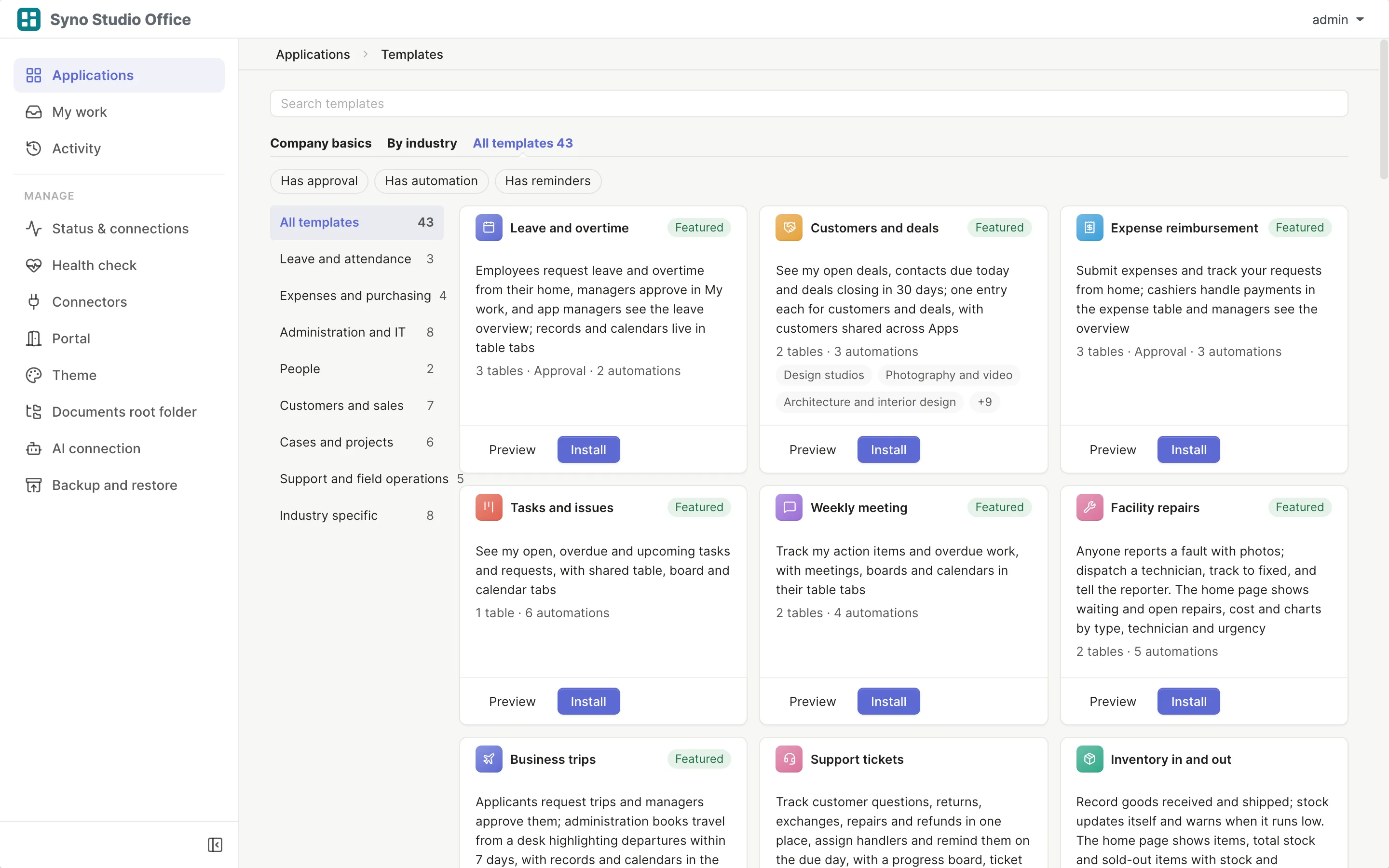
- Photo delivery
- Bookkeeping firm
- Field service
- Quotes
- Inventory in and out
- Brand design studio
- Video production & sponsorships
- Tasks and issues
- Projects and milestones
- Weekly meeting
- OKR tracking
- Customers and deals
- Expense reimbursement
- Purchase requests
- Leave and overtime
- Leave, quotas and clock-in (advanced)
Pick a tool
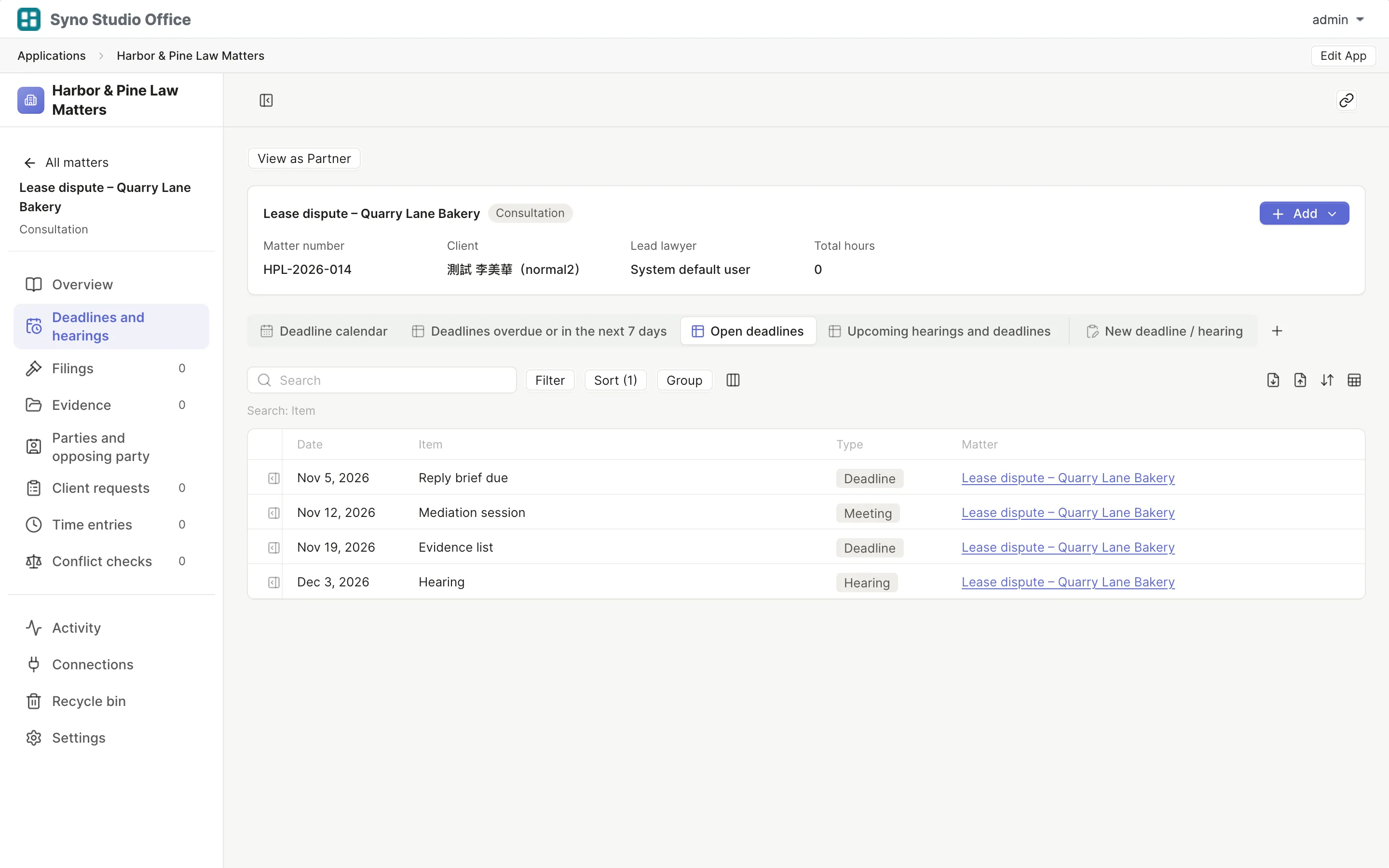
- Clio Matters, deadlines, time and engagement letters, done with the law firm template
- Pixieset, picdrop Bookings, questionnaires, picking and delivery, done with the photo delivery template
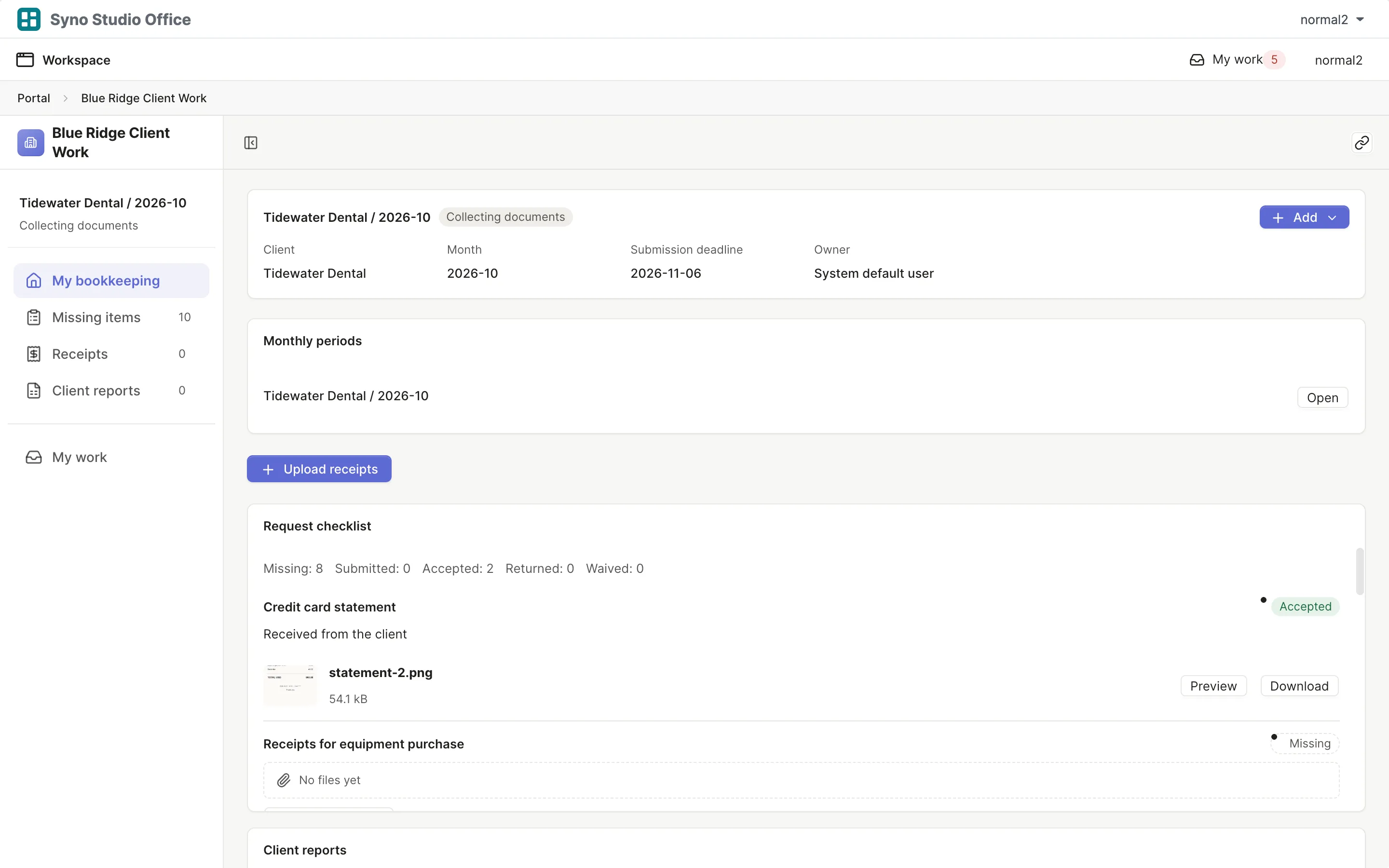
- TaxDome Monthly periods, document requests and client confirmation, done with the bookkeeping firm template
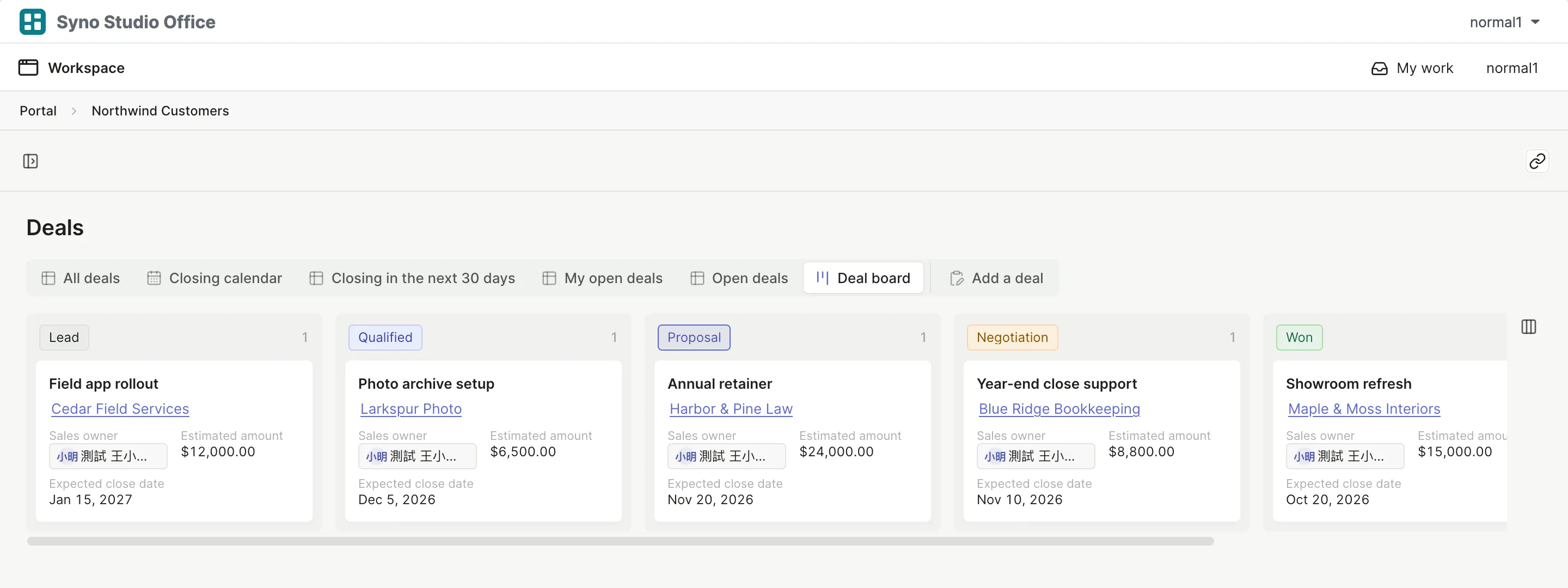
- Jobber Fault reports, dispatch, quotes and sign-off, done with the field service template
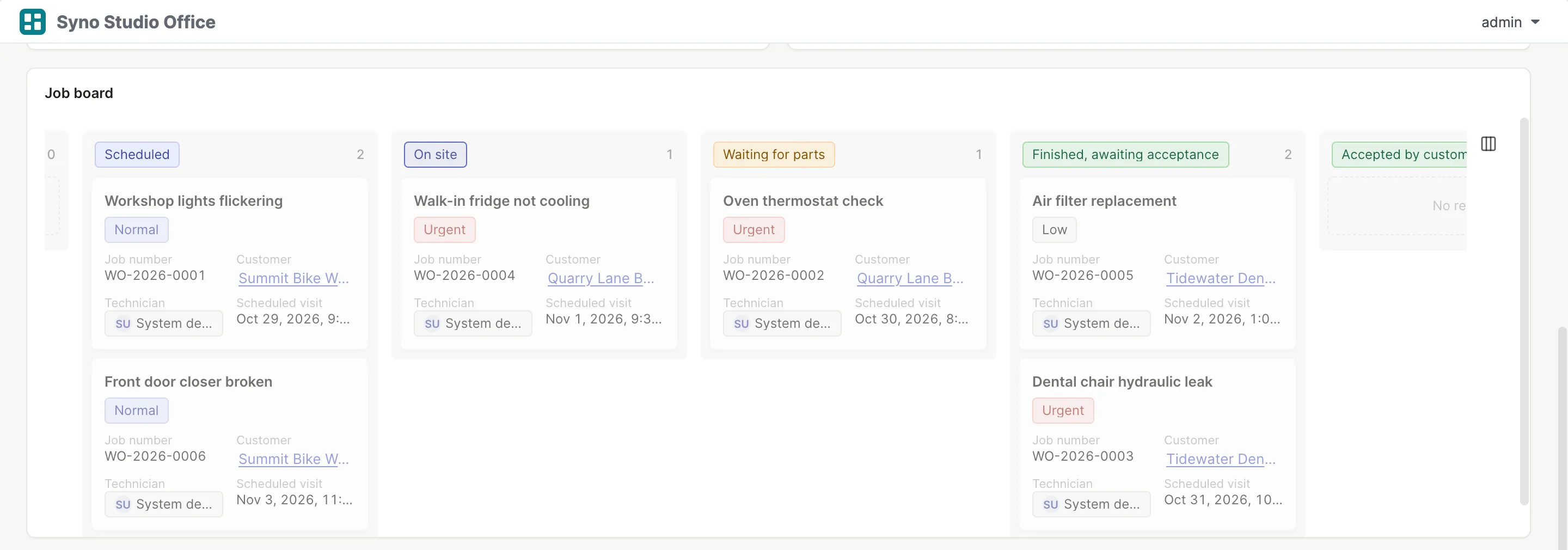
- Filestage, Frame.io Pin comments, video timecode comments and review rounds, done with the brand design or video production template
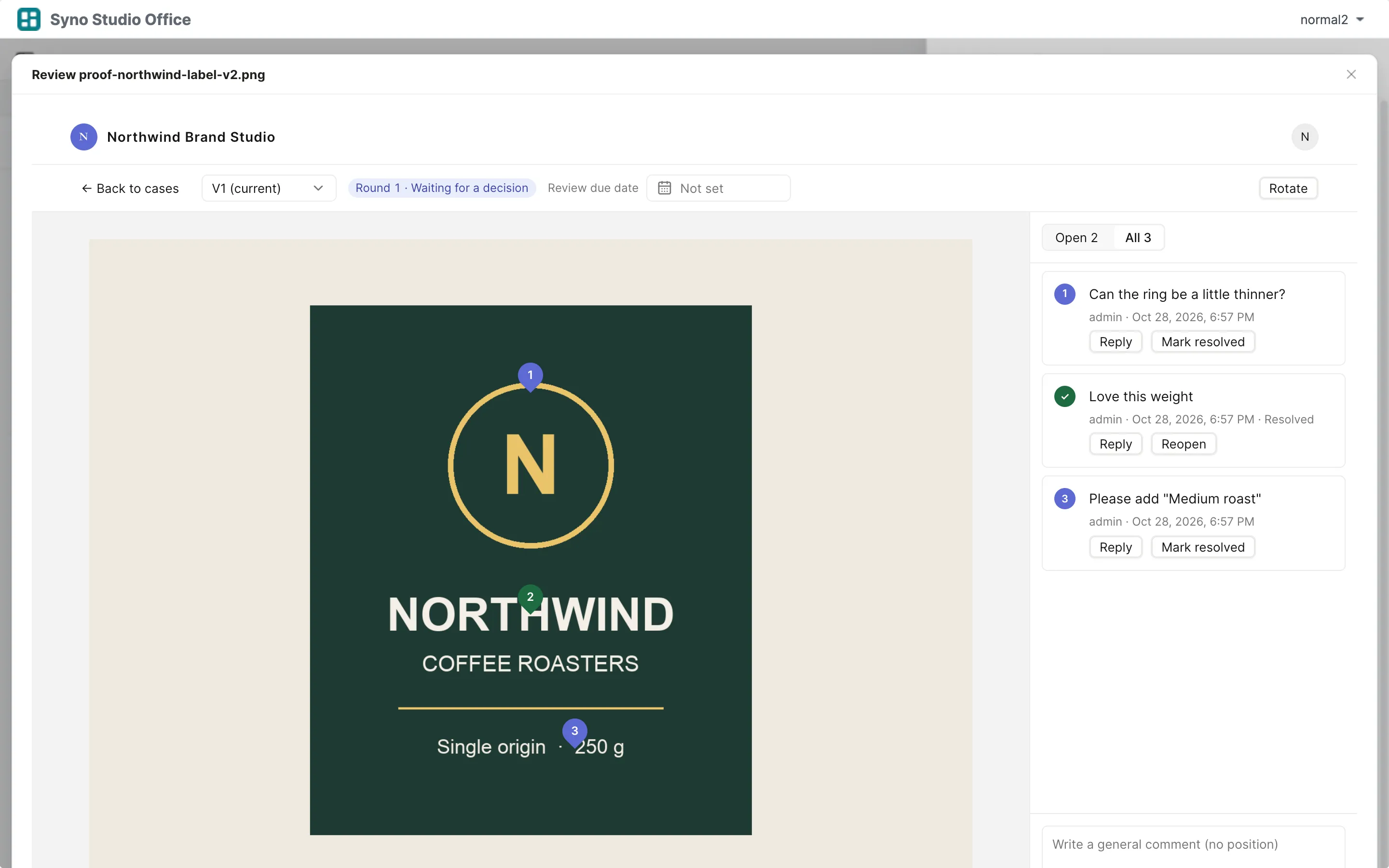
- Trello, Asana Boards, calendars, due-date reminders and meetings, done with the task, project and meeting templates
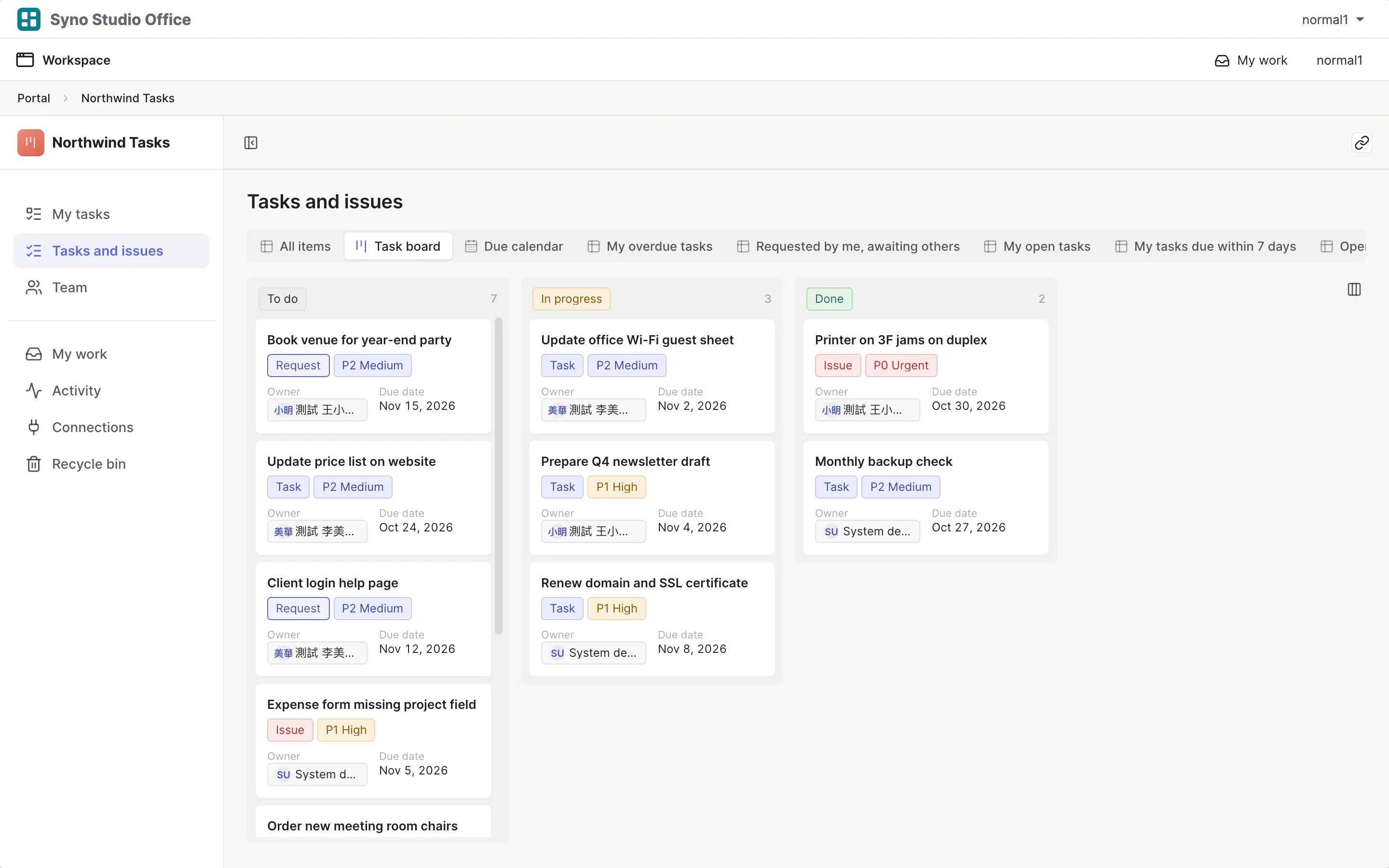
- Pipedrive, HubSpot CRM Deal boards, follow-ups, quotes and contracts, done with the customers and deals template
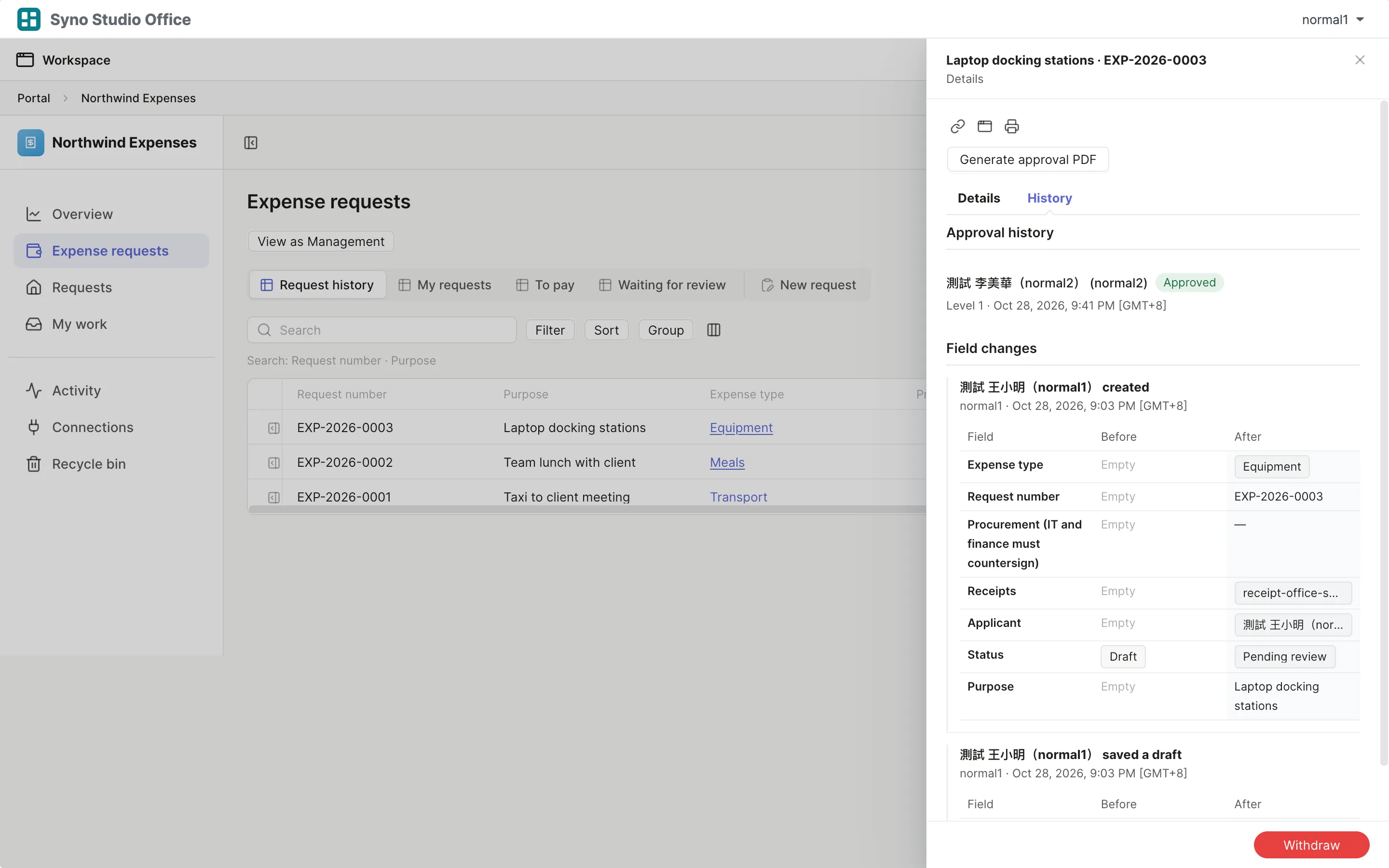
- Expensify Expense claims, approval levels and payment, done with the expense and purchasing templates
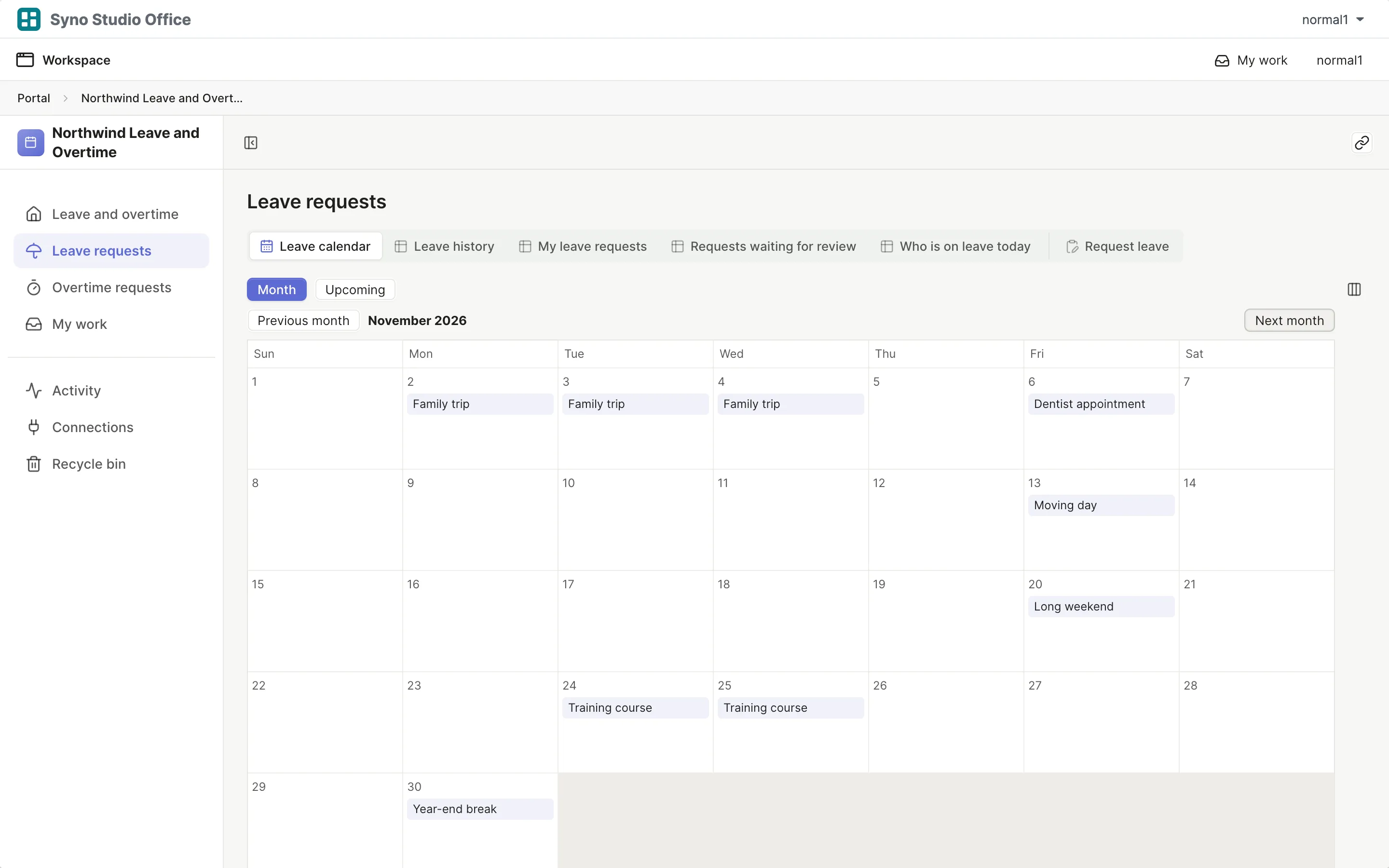
- BambooHR Leave, overtime, stand-ins and a leave calendar, done with the leave and overtime template
Questions
How do I move my old data
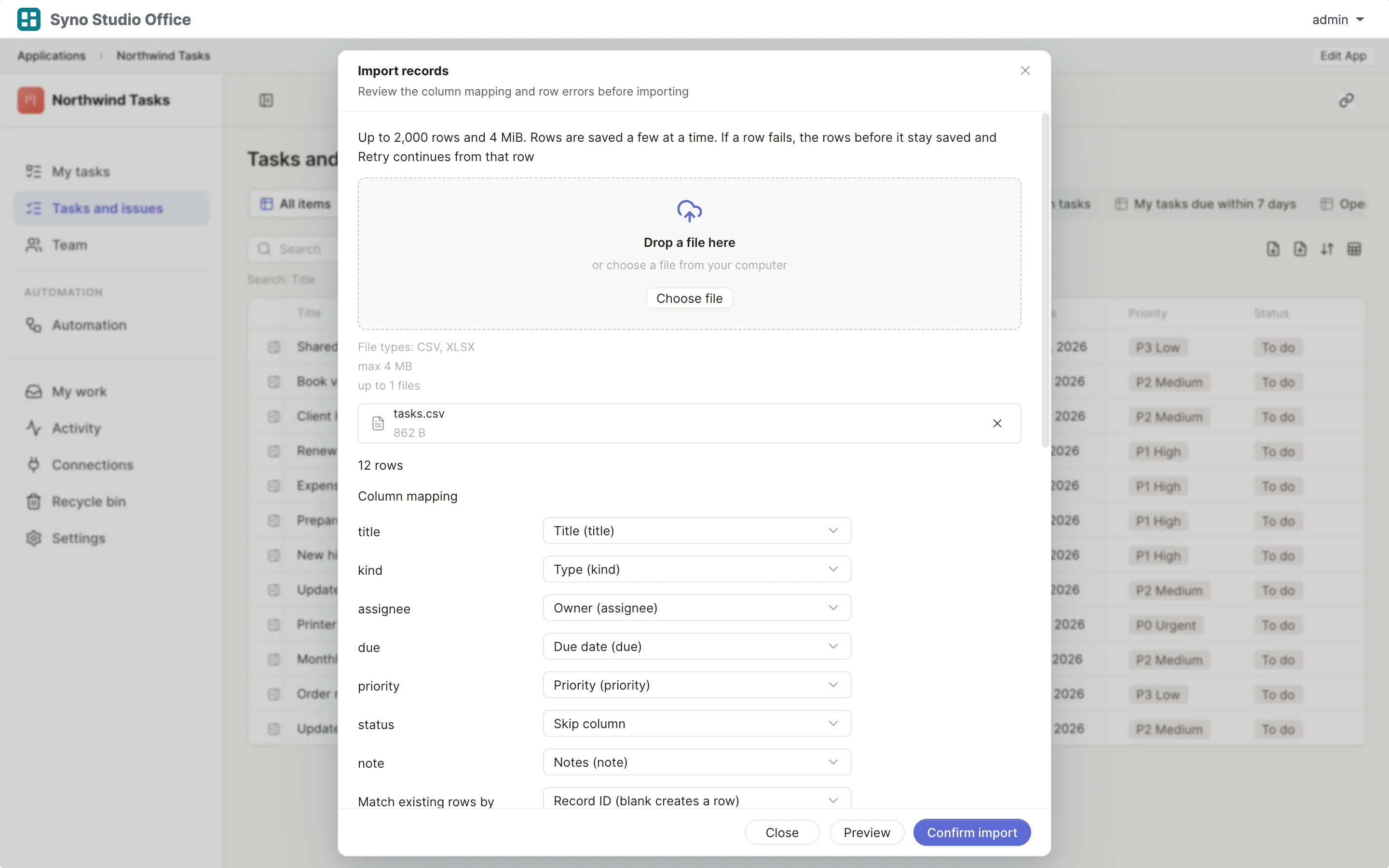
Export a CSV from the old tool and map the columns when importing
Can I run both for a while
Yes, running both for a while before switching off the old one is a good idea
Is everything the same
No, each page lists what matches, what works differently and what is missing
Who sets it up
A DSM administrator installs the template and maps groups to roles, and AI can help with later changes
When should I not switch
See When it is not a fit