

From TaxDome to Syno Studio Office
Monthly periods, document requests and client confirmation, done with the bookkeeping firm template
Side by side
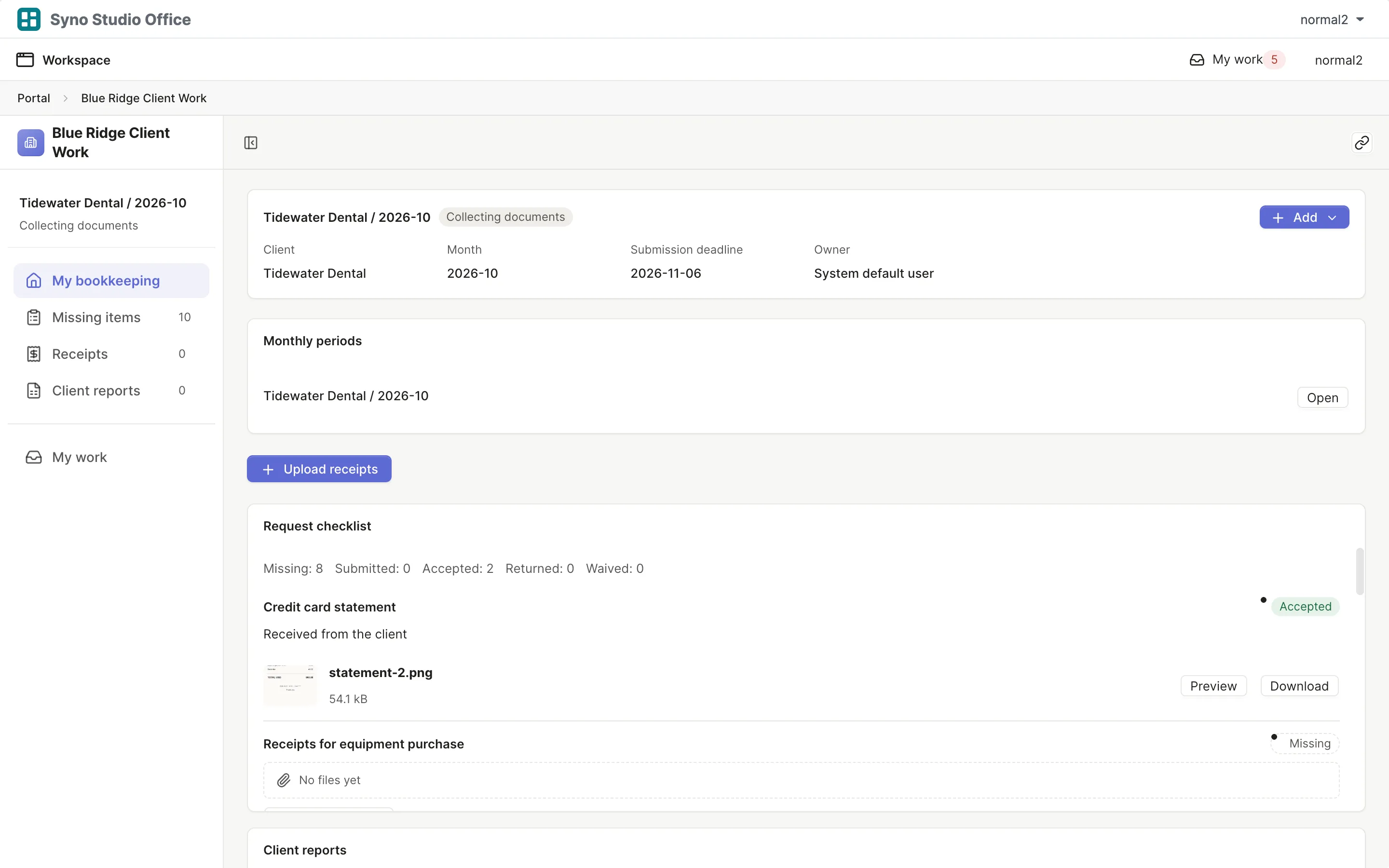
| What they are known for | Here | How |
|---|---|---|
| Client portal | Works differently | Clients need an account on your NAS and see only their own |
| Document requests | Yes | Requests marked received, returned or waived |
| Recurring work | Yes | Monthly periods open on their own |
| Client approval | Yes | Clients confirm a PDF |
| Receipt OCR | Not available | Receipts are checked by hand |
| Tax filing | Not available | |
| E-signatures | Not available | |
| Email to clients | Works differently | Set up MailPlus to email outside addresses, one recipient per message |
What you gain by switching
Matching templates: Bookkeeping firm
- Client data stays on the firm’s own NAS
- Internal working papers are kept apart from what clients see
- Upload links let clients hand in files
How to move
-
Export a CSV
Export your data from the old tool
-
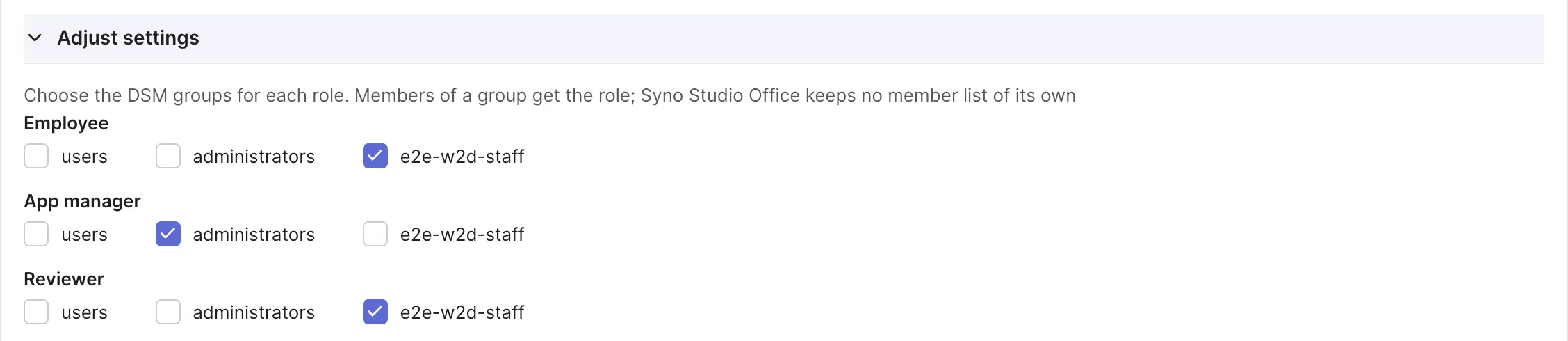
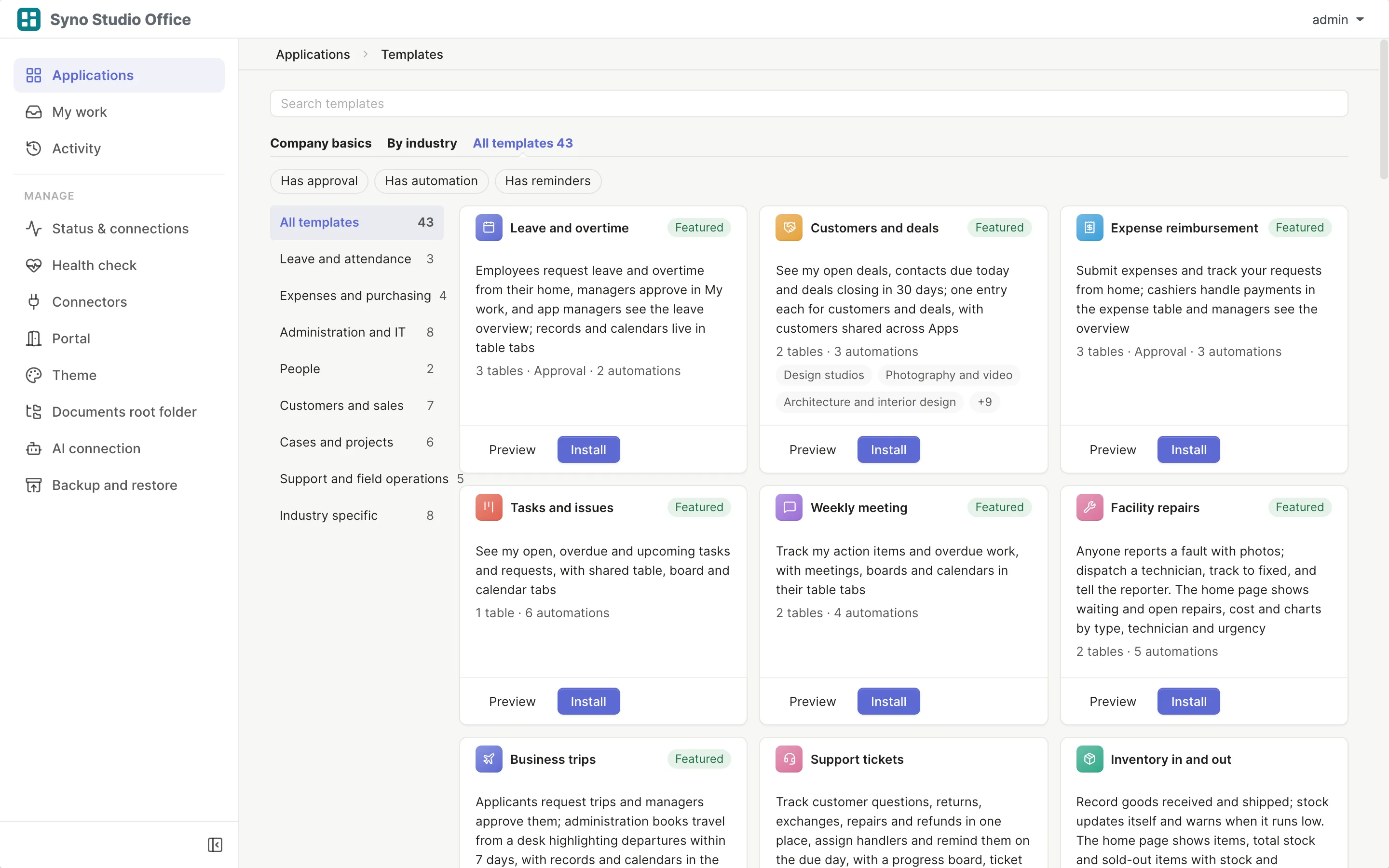
Install the template
Pick the matching template and map roles to DSM groups
-
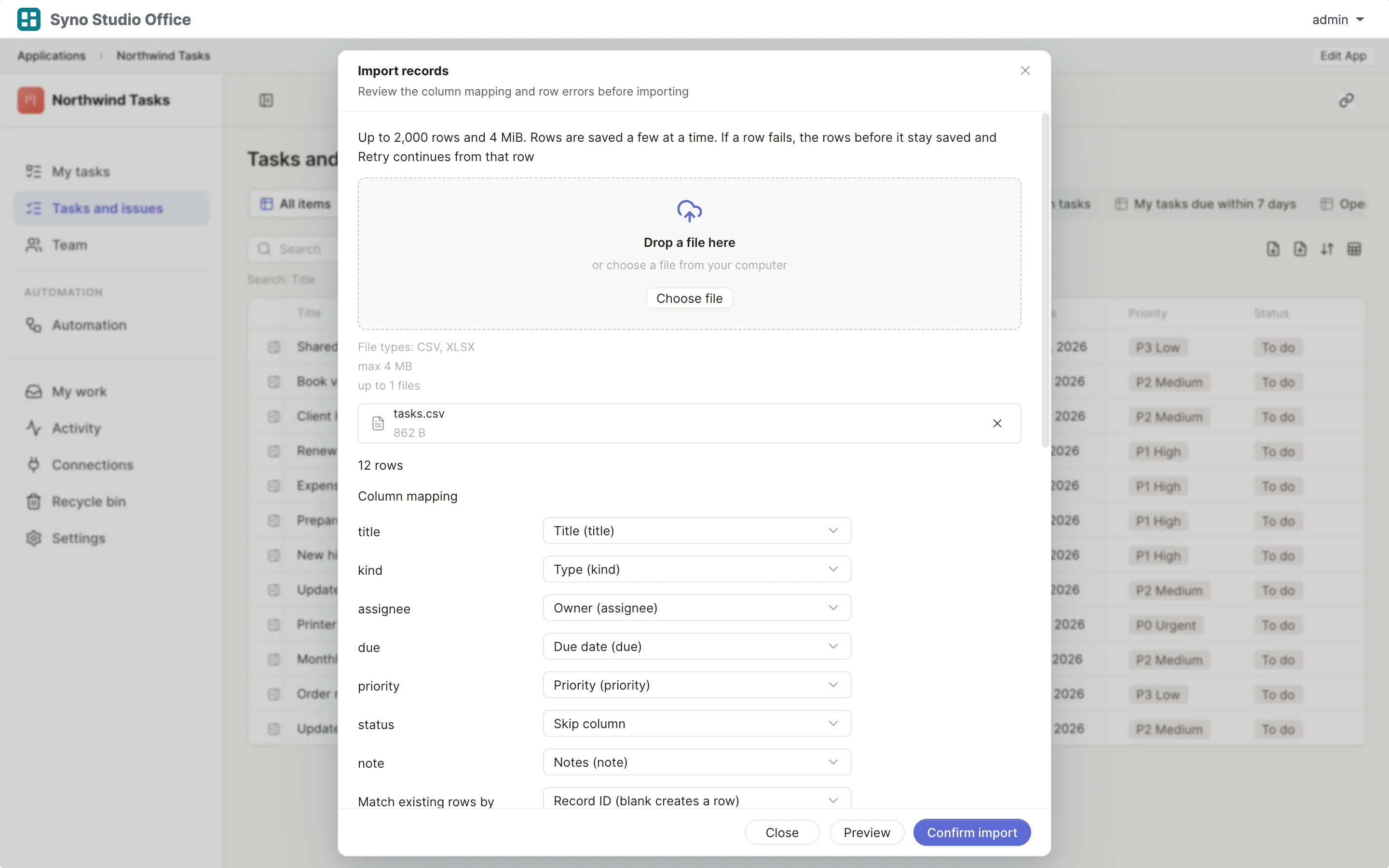
Import and map columns
Preview first, then match the columns
-
Run both for a while
Use both until you are sure, then switch the old one off
Check before you import
CSV or XLSX, imported once the columns match, 2,000 rows at a time or up to 25,000 in the background
Questions
Can it read receipts
No, there is no OCR and receipts are checked by hand
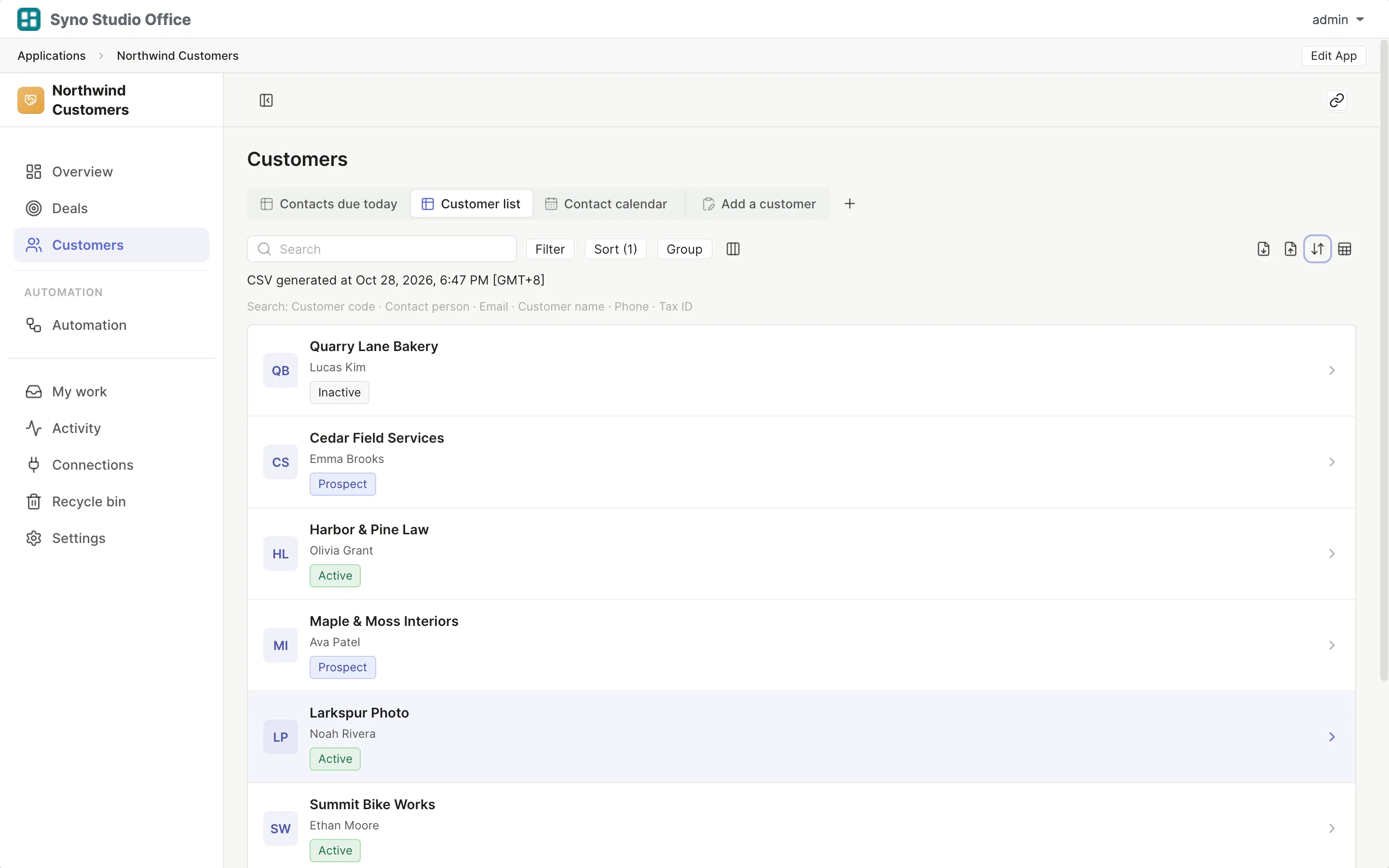
Can clients without an account hand in files
Yes, through an upload link, then you match the files to the client
How many clients get a new period at once
Up to 100 clients a batch, the next batch follows five minutes later
Can it email reminders to clients
Not built into the template, an email step can send to outside addresses once MailPlus is set up, one recipient per message and up to 100 messages per app per hour, the mailbox owner has to authorize it and the mail server has to allow outbound mail
Can it file taxes
No, use tax software for that
How do I move my clients
Export a CSV from TaxDome, then import it and map the columns