

From Jobber to Syno Studio Office
Fault reports, dispatch, quotes and sign-off, done with the field service template
Side by side
4Yes
1Works differently
3Not available
| What they are known for | Here | How |
|---|---|---|
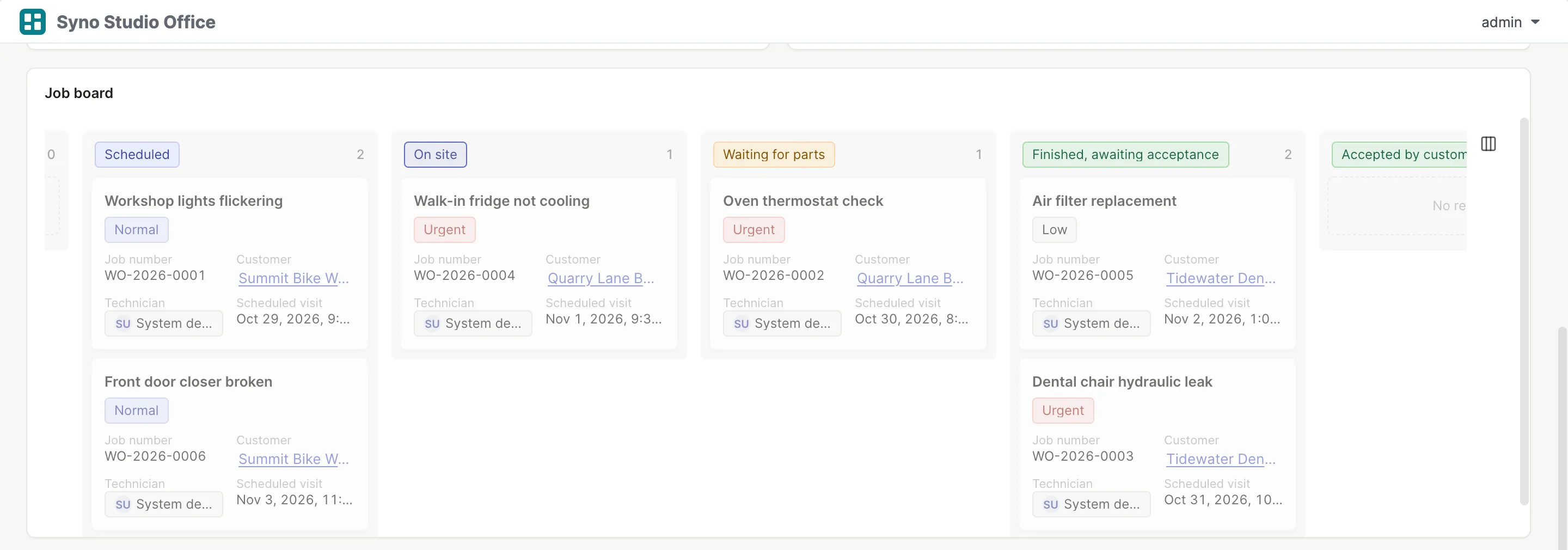
| Scheduling and dispatch | Yes | A dispatch board |
| Quotes | Yes | Quotes and change orders |
| Site photos | Yes | Attached to the job |
| Hours and parts | Yes | Parts come off stock with a low-stock warning |
| Client portal | Works differently | Clients with an account report faults, see their jobs and sign off |
| Route planning and GPS | Not available | |
| Invoicing and payments | Not available | |
| Offline use | Not available | Needs a connection to the NAS |
What you gain by switching
Matching templates: Field service, Quotes, Inventory in and out
- Technicians see only their own jobs
- Stock and jobs in one place
- Data stays on your own NAS
How to move
-
Export a CSV
Export your data from the old tool
-
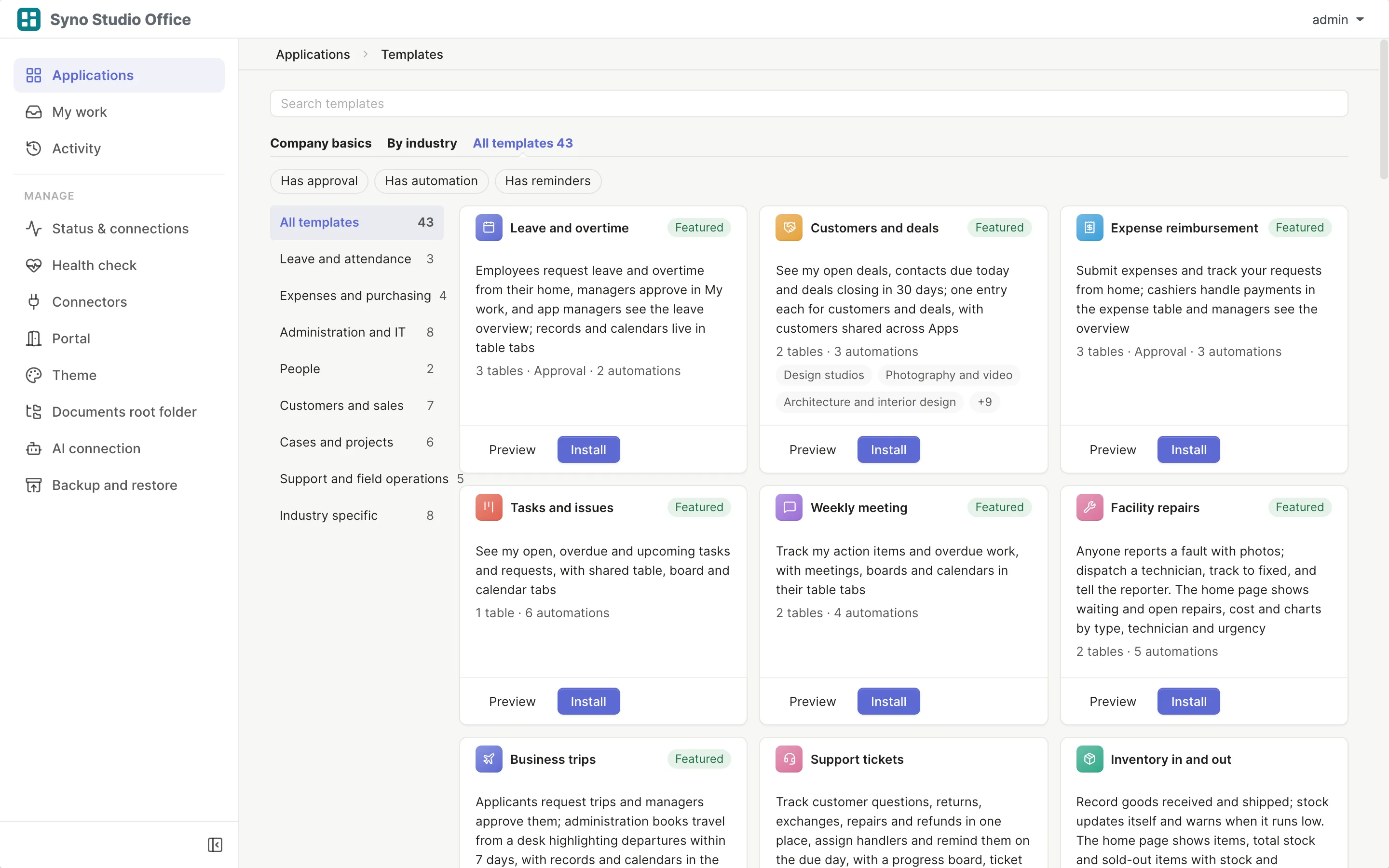
Install the template
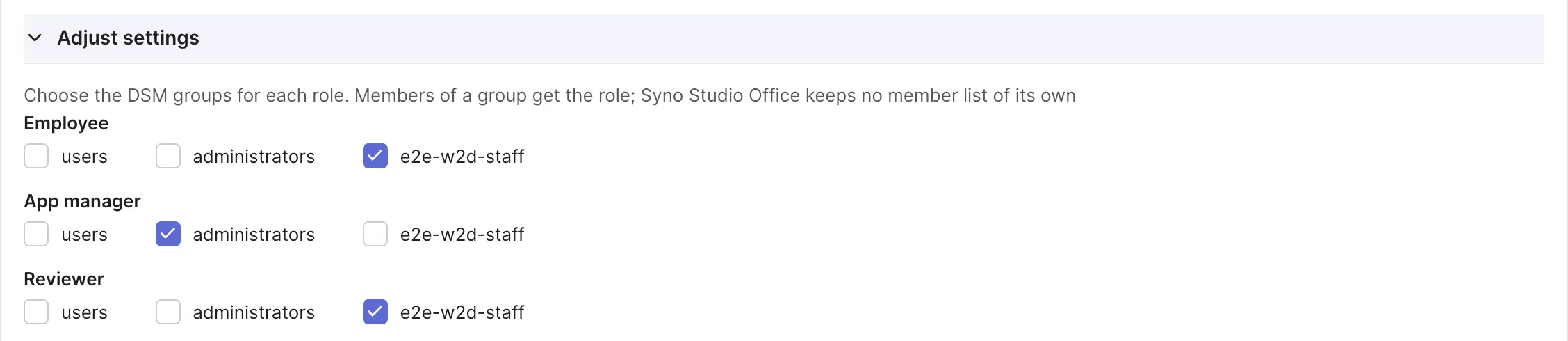
Pick the matching template and map roles to DSM groups
-
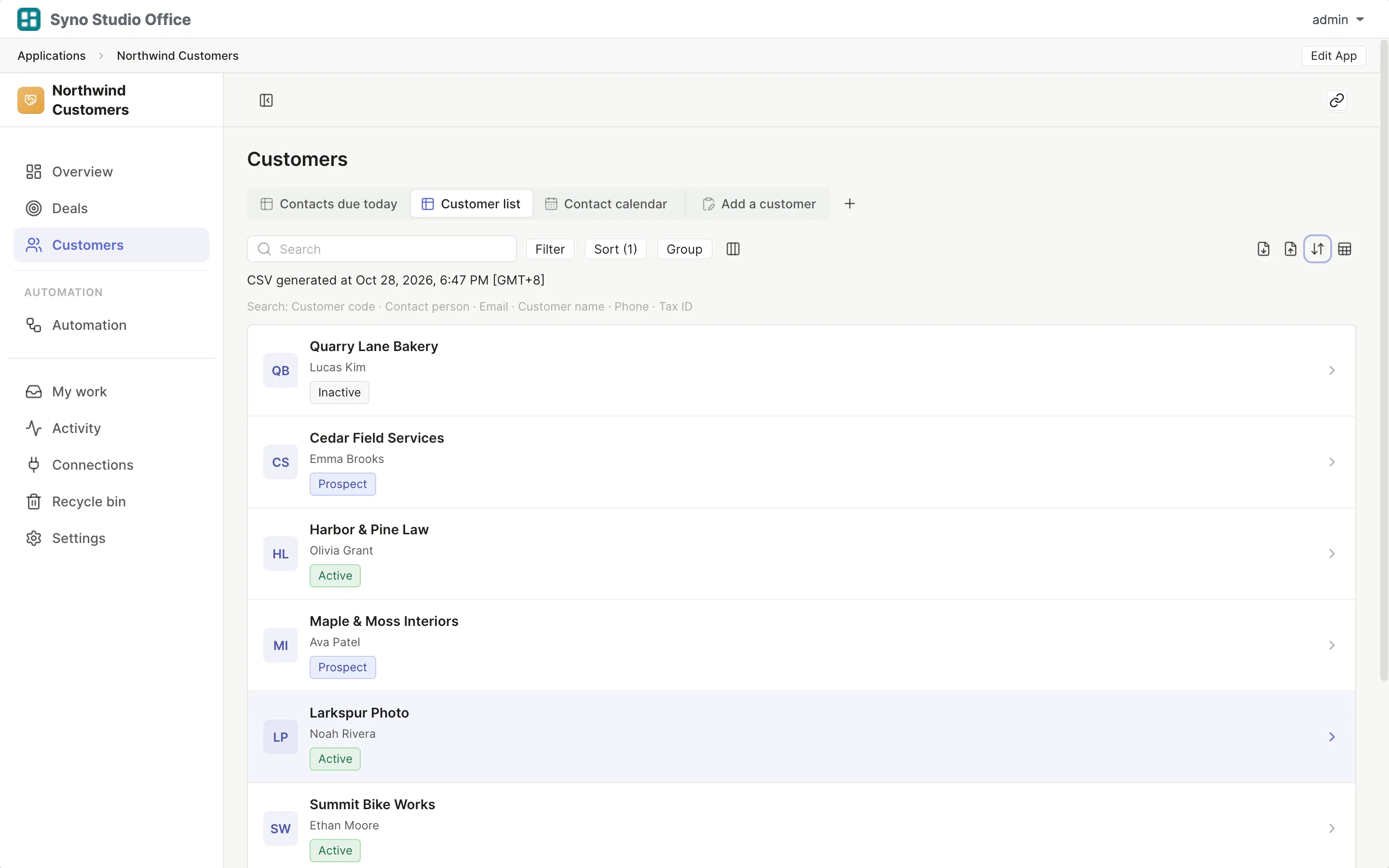
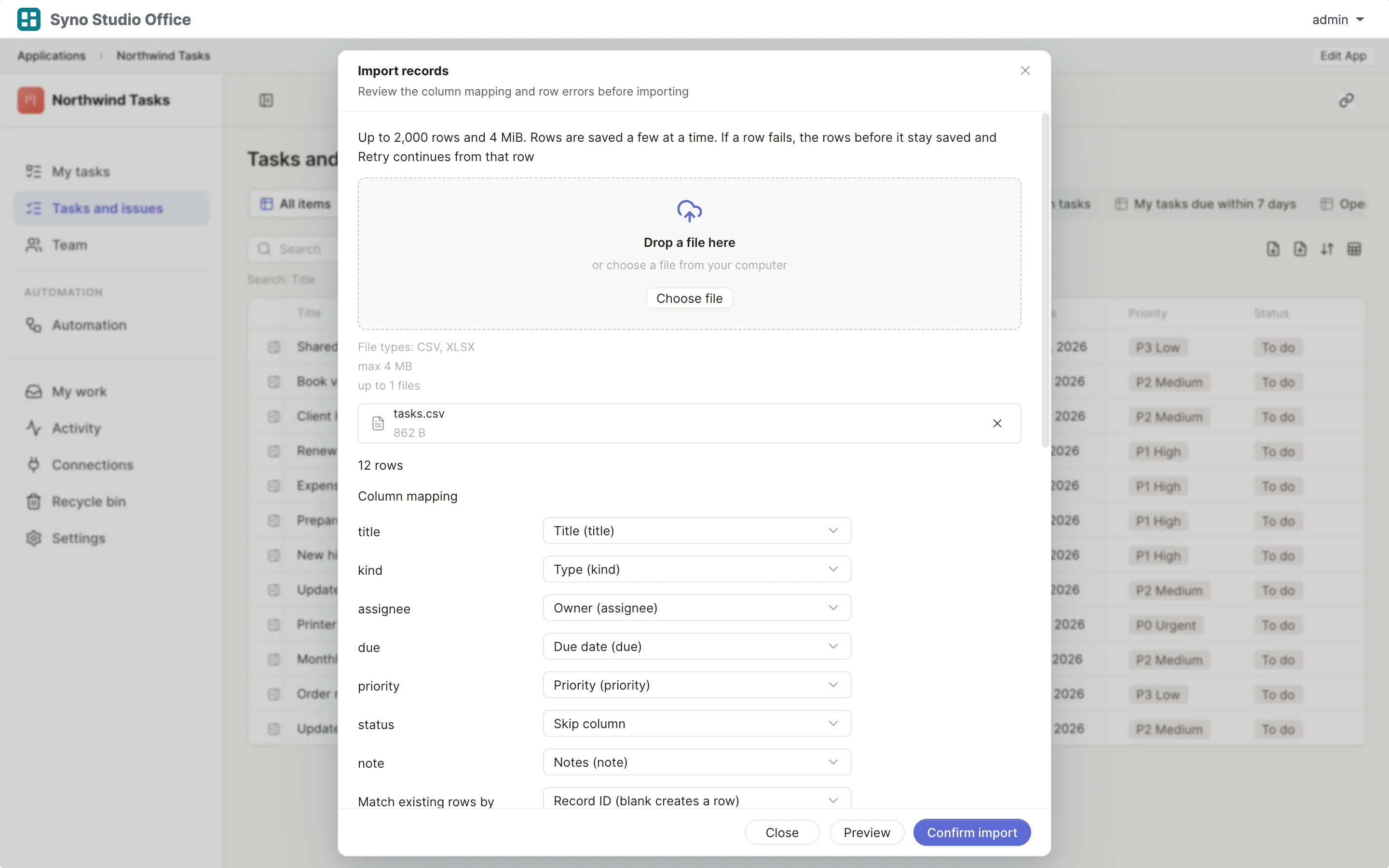
Import and map columns
Preview first, then match the columns
-
Run both for a while
Use both until you are sure, then switch the old one off
Check before you import
CSV or XLSX, imported once the columns match, 2,000 rows at a time or up to 25,000 in the background
Questions
Can technicians use it on site
Yes, in the phone browser with a connection to the NAS
Is there GPS or route planning
No
How do clients sign off
Clients accept the work on the web with their account, or you photograph a signed paper form
Can it issue invoices
No, use an invoicing or accounting system
How is parts stock tracked
Used parts come off stock and low stock is flagged
How do I move old jobs
Export a CSV from Jobber, then import it and map the columns