

From Expensify to Syno Studio Office
Expense claims, approval levels and payment, done with the expense and purchasing templates
Side by side
3Yes
1Works differently
2Not available
| What they are known for | Here | How |
|---|---|---|
| Expense reports | Yes | Expense claims with receipts |
| Approval workflows | Yes | Finance steps in above a threshold |
| Reimbursement status | Works differently | Finance records the payment, no direct transfer |
| Mobile approval | Yes | In Synology Chat or the phone browser |
| Receipt scanning | Not available | Amounts entered by hand |
| Card reconciliation | Not available |
What you gain by switching
Matching templates: Expense reimbursement, Purchase requests
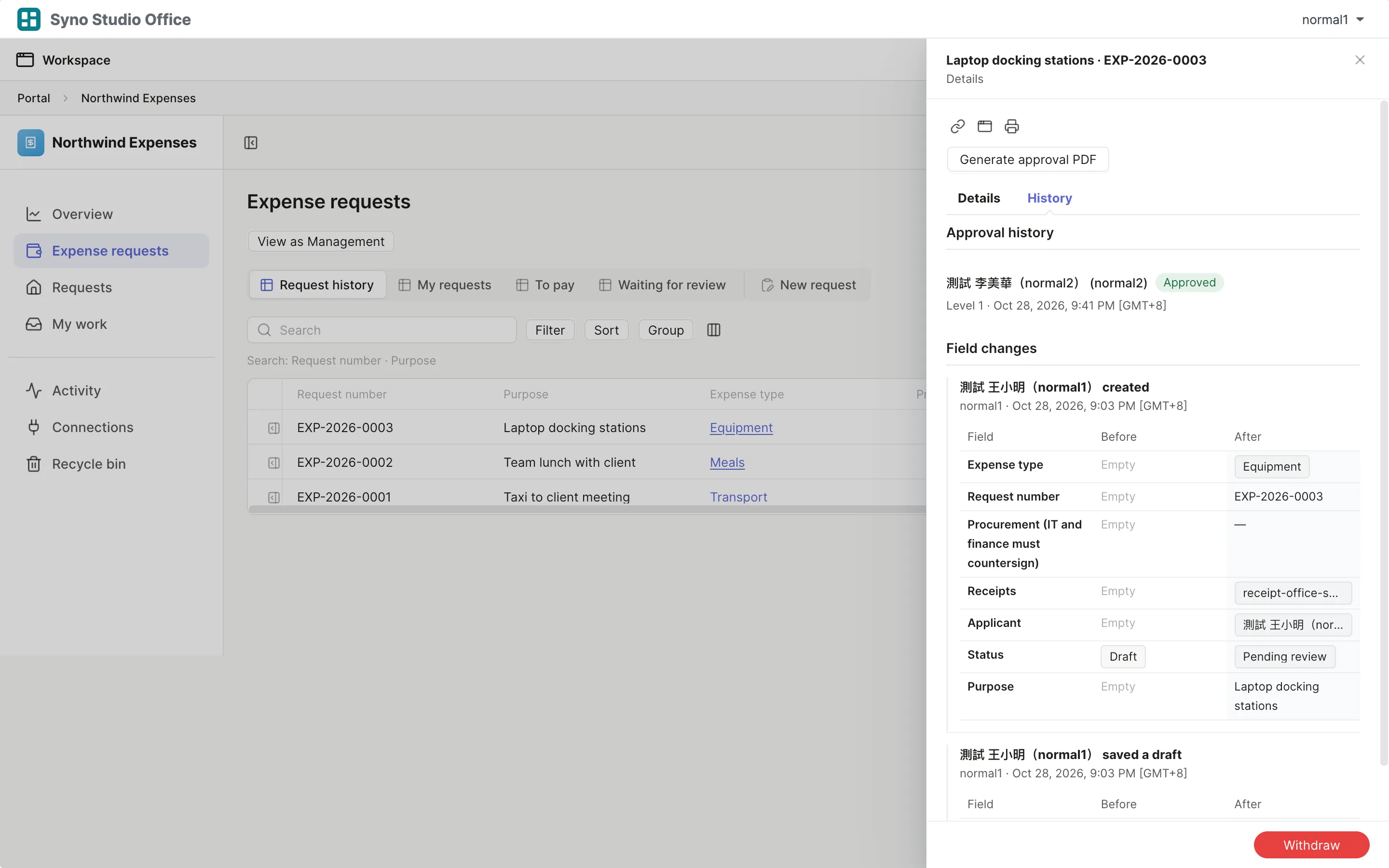
- Managers approve from a Chat card
- Approval form PDFs
- Expenses and purchasing on the same NAS
How to move
-
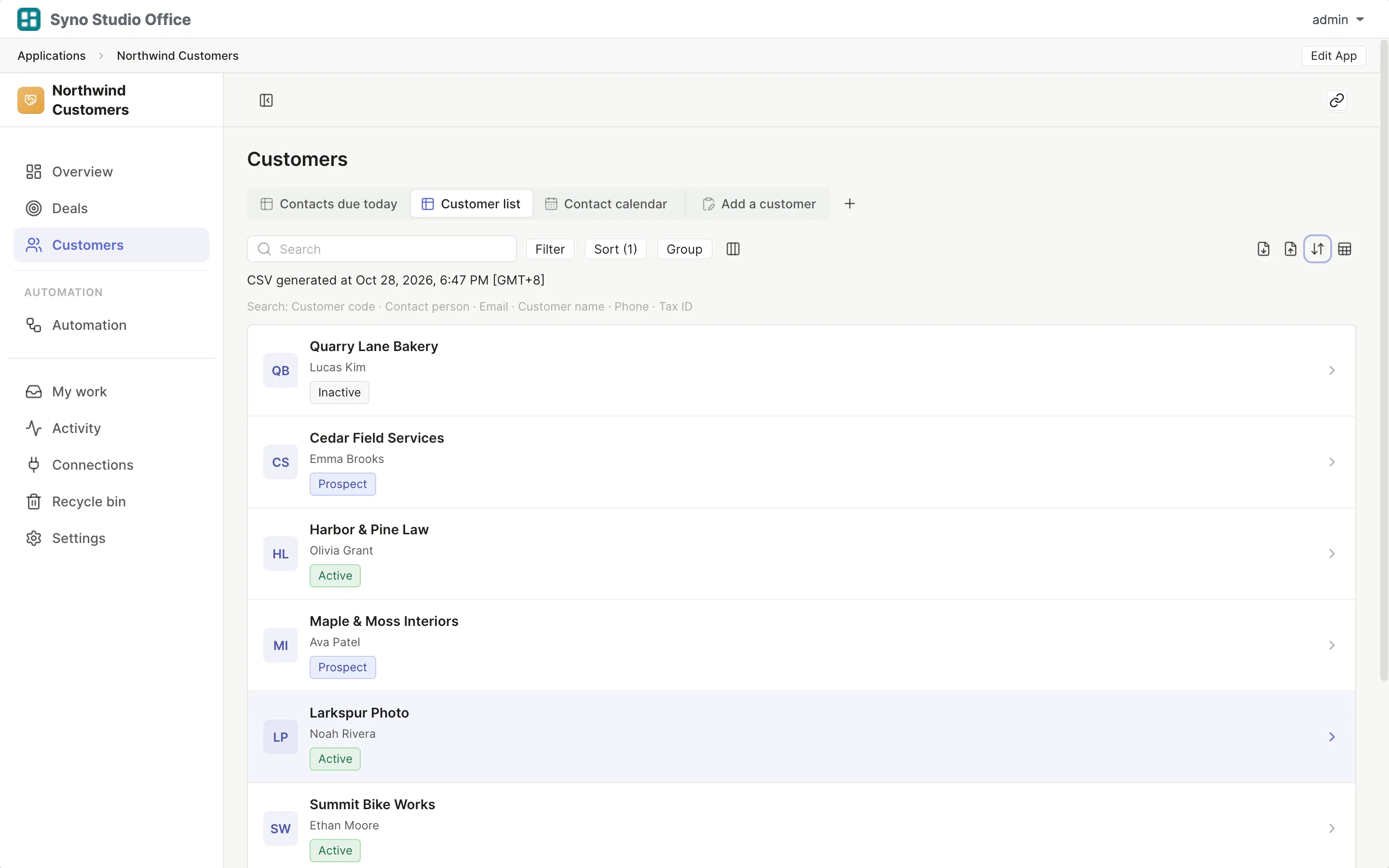
Export a CSV
Export your data from the old tool
-
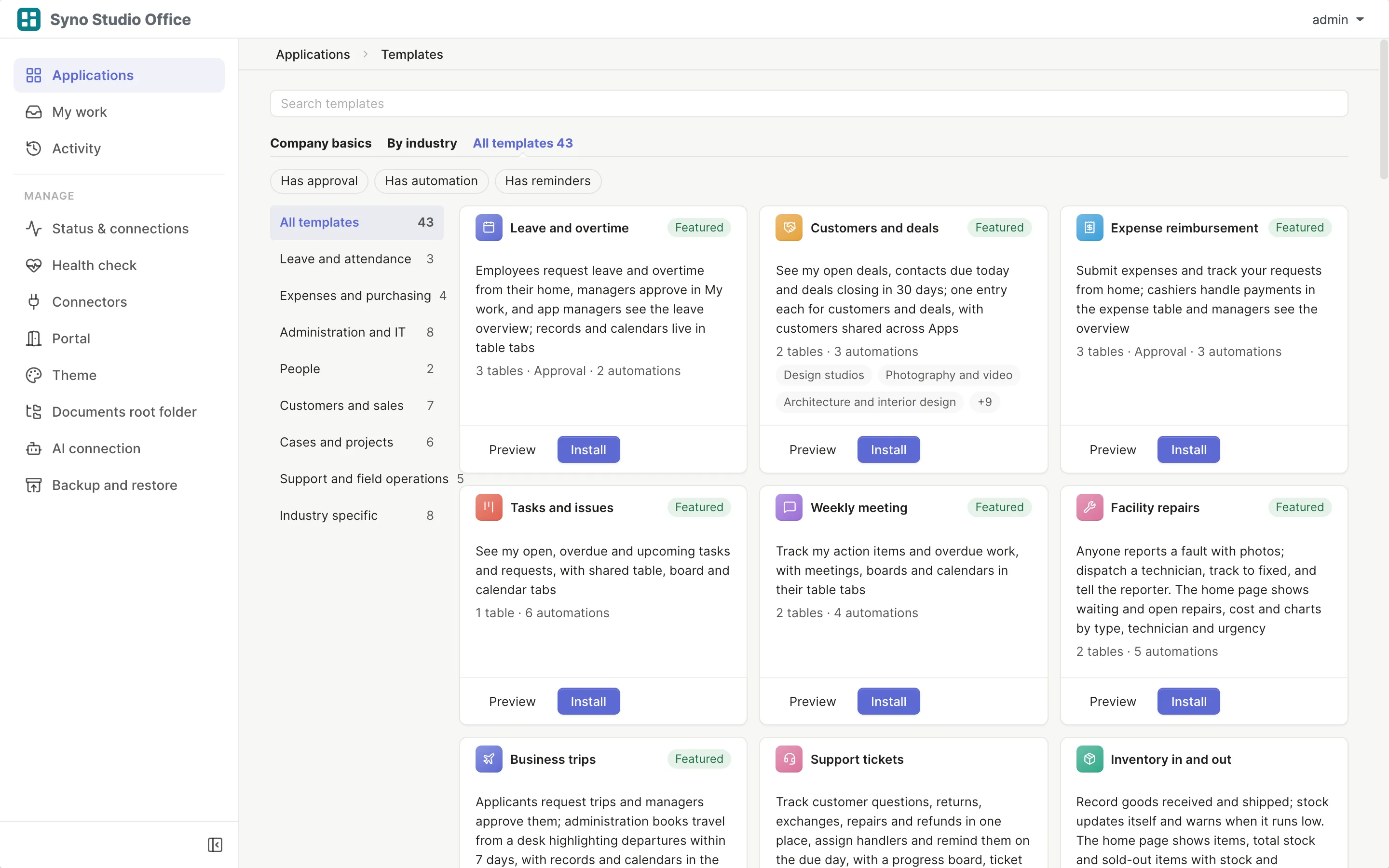
Install the template
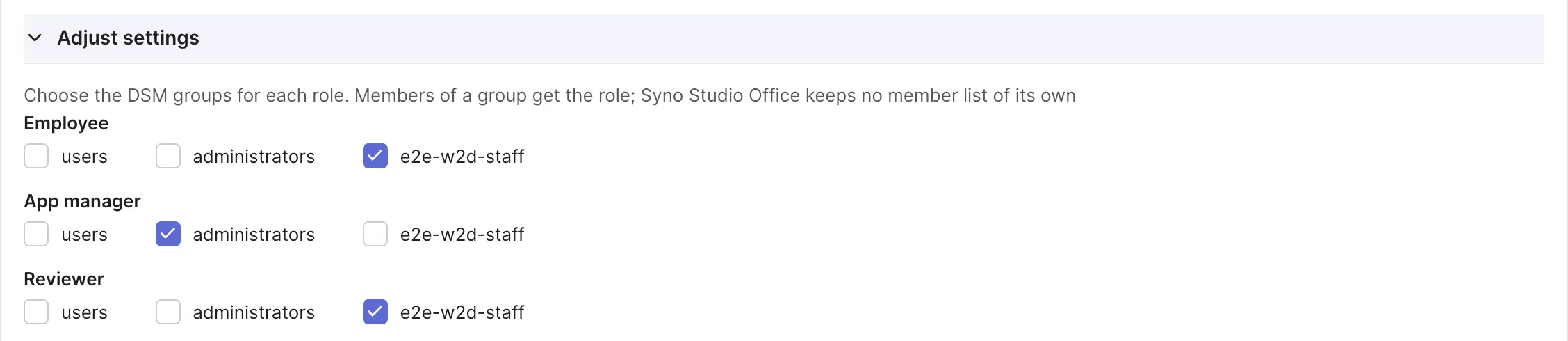
Pick the matching template and map roles to DSM groups
-
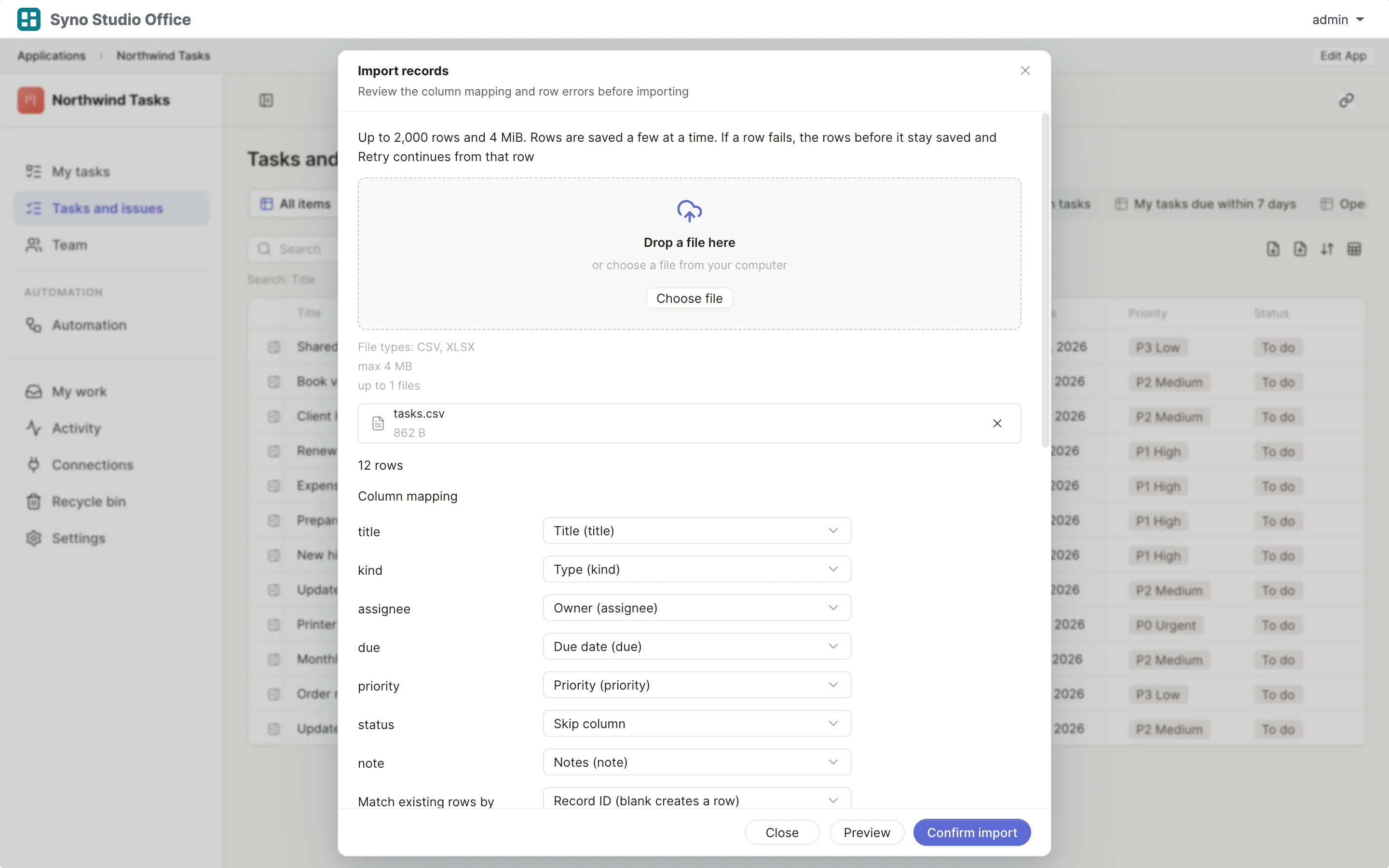
Import and map columns
Preview first, then match the columns
-
Run both for a while
Use both until you are sure, then switch the old one off
Check before you import
CSV or XLSX, imported once the columns match, 2,000 rows at a time or up to 25,000 in the background
Questions
Can it read receipt amounts
No, amounts are entered by hand and the receipt is attached
Can managers approve in Chat
Yes, they approve or reject from a card
Can I set an amount threshold
Yes, finance steps in above it
Does it pay people
No, finance records the payment
Does it reconcile cards
No
How do I move old claims
Export a CSV, then import it and map the columns