

From Pipedrive or HubSpot to Syno Studio Office
Deal boards, follow-ups, quotes and contracts, done with the customers and deals template
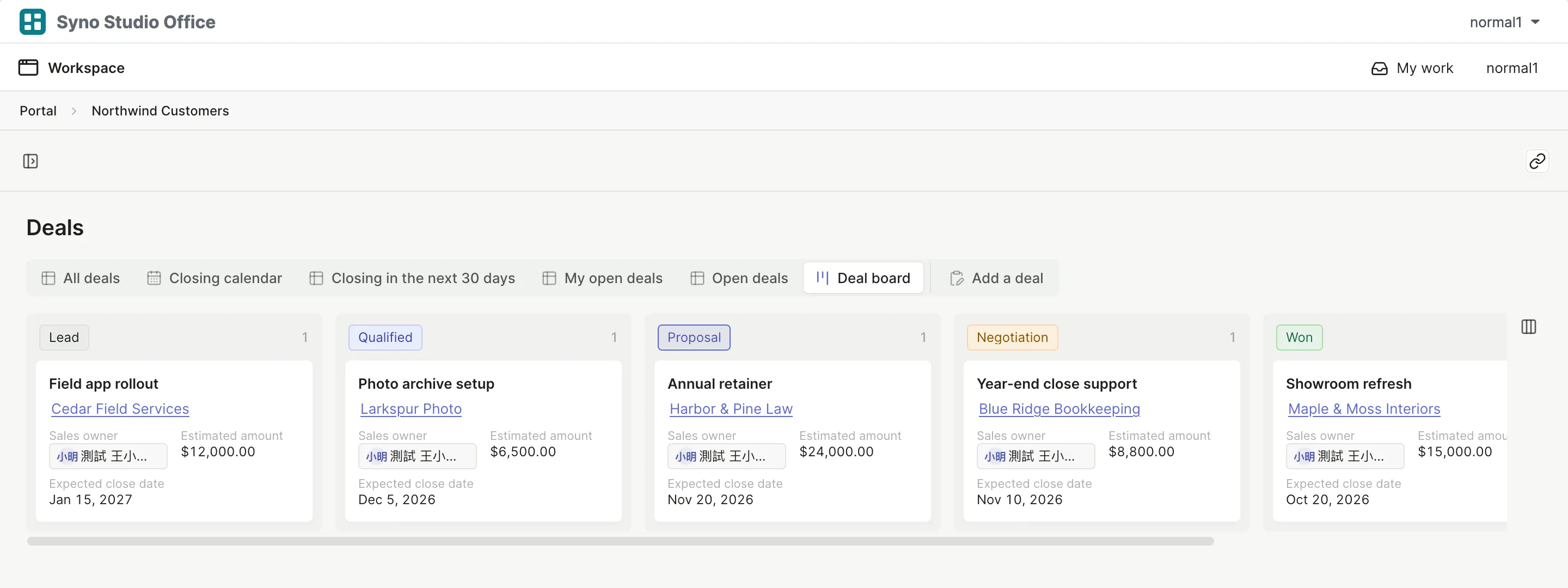
Side by side
4Yes
1Works differently
3Not available
| What they are known for | Here | How |
|---|---|---|
| Deal pipeline | Yes | Columns by stage |
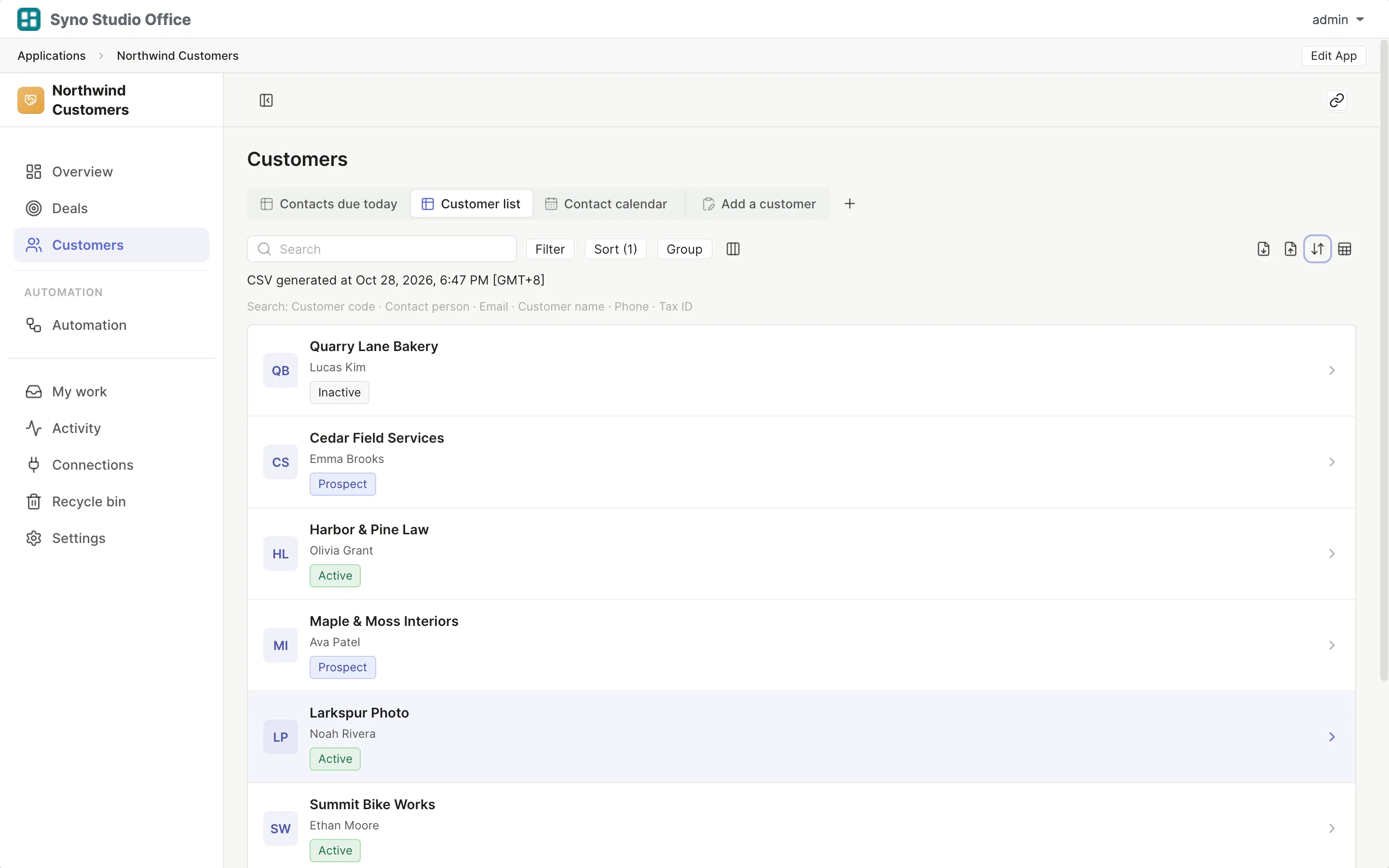
| Contacts and companies | Yes | A customer table shared across apps |
| Follow-up reminders | Yes | Who to contact today |
| Quotes | Yes | Quote PDFs with approval levels |
| Quick add | Works differently | Type /studio in Synology Chat |
| Email sync and tracking | Not available | |
| Web forms | Not available | No public forms |
| Lead scoring and marketing automation | Not available |
What you gain by switching
Matching templates: Customers and deals, Quotes, Contracts
- Customer data stays on your own NAS
- Quotes and contracts stay with the customer
- Sales add records from Chat
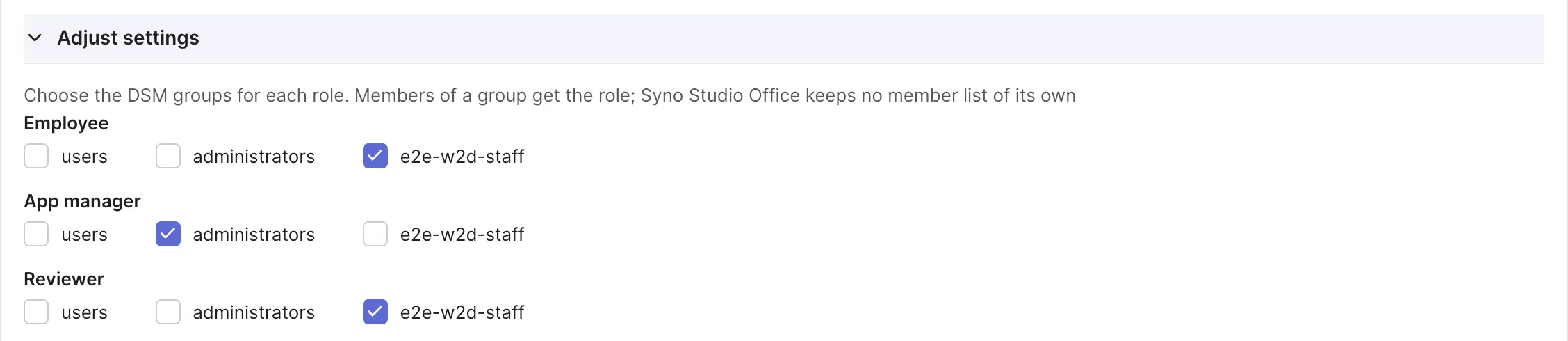
How to move
-
Export a CSV
Export your data from the old tool
-
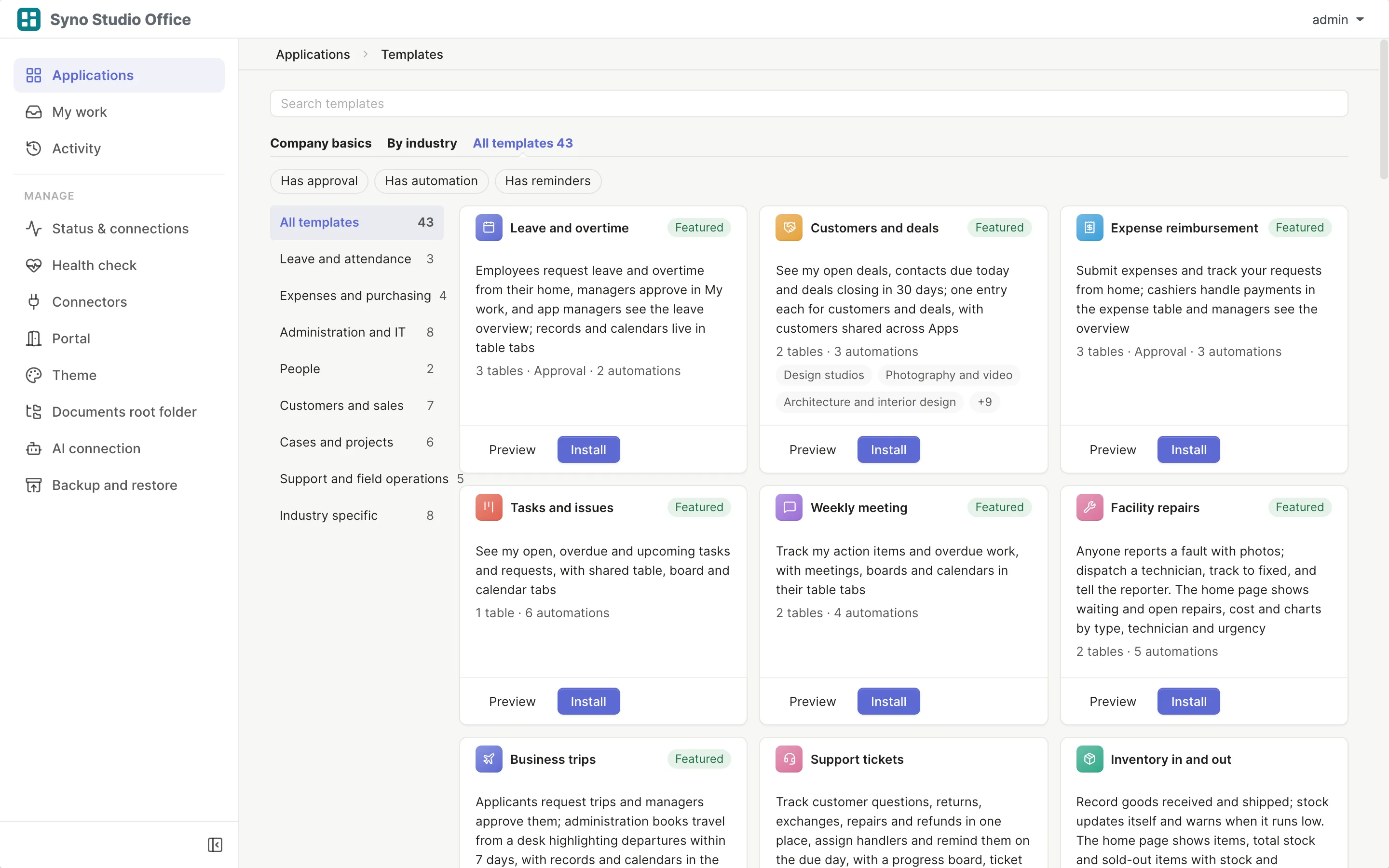
Install the template
Pick the matching template and map roles to DSM groups
-
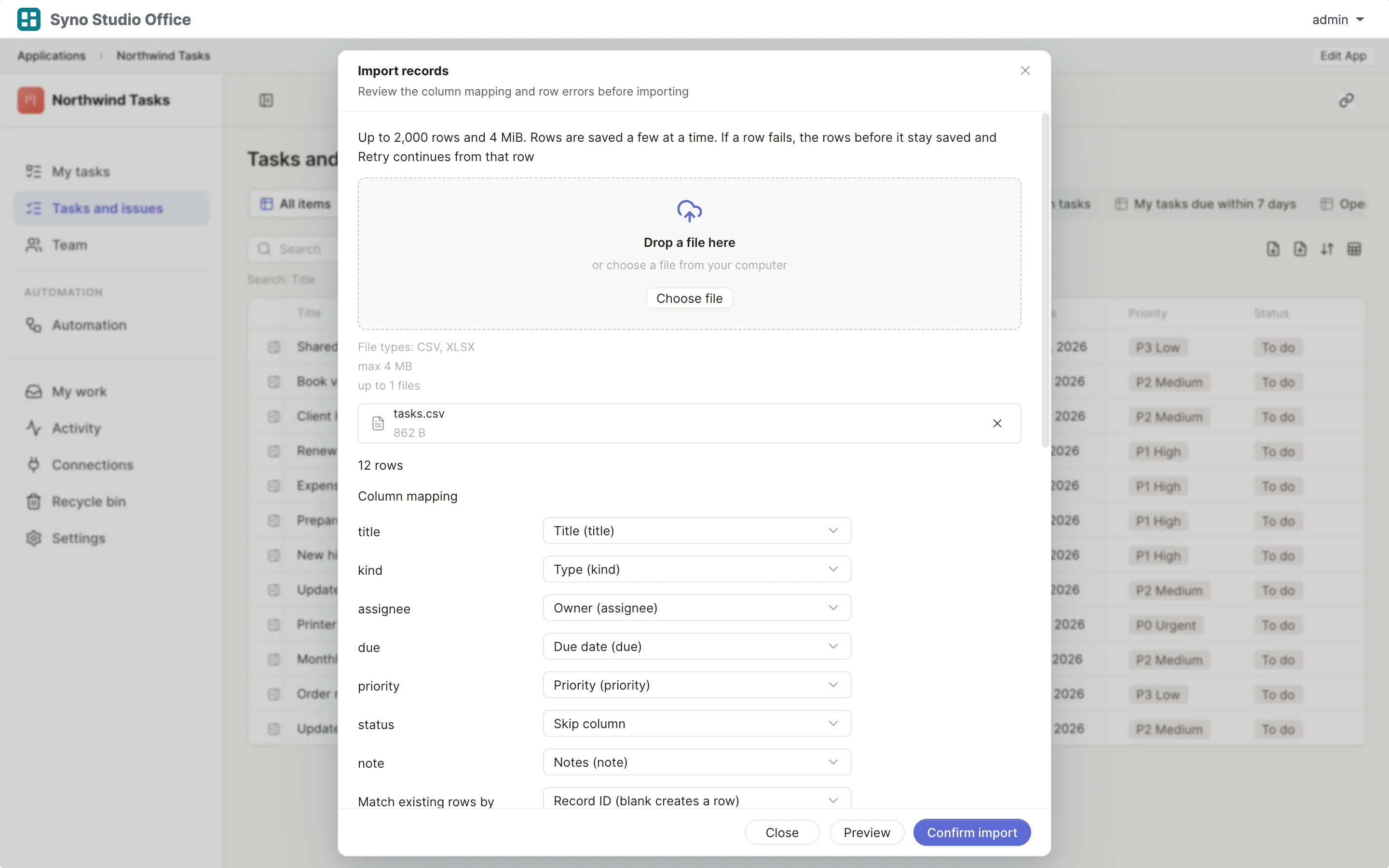
Import and map columns
Preview first, then match the columns
-
Run both for a while
Use both until you are sure, then switch the old one off
Check before you import
CSV or XLSX, imported once the columns match, 2,000 rows at a time or up to 25,000 in the background
Questions
Does it sync email
No, there is no email sync or tracking
Can website forms feed into it
No, there are no public forms
Can quotes need a manager’s approval
Yes, with approval levels
Can other apps use customer data
Yes, the customer table is shared
Are there charts
Yes, the customers and deals overview has figures and a bar chart
How do I move my customers
Export a CSV, then import it and map the columns