
From BambooHR to Syno Studio Office
Leave, overtime, stand-ins and a leave calendar, done with the leave and overtime template
Side by side
| What they are known for | Here | How |
|---|---|---|
| Time-off requests | Yes | Leave and overtime |
| Manager approval | Yes | In Chat or My work |
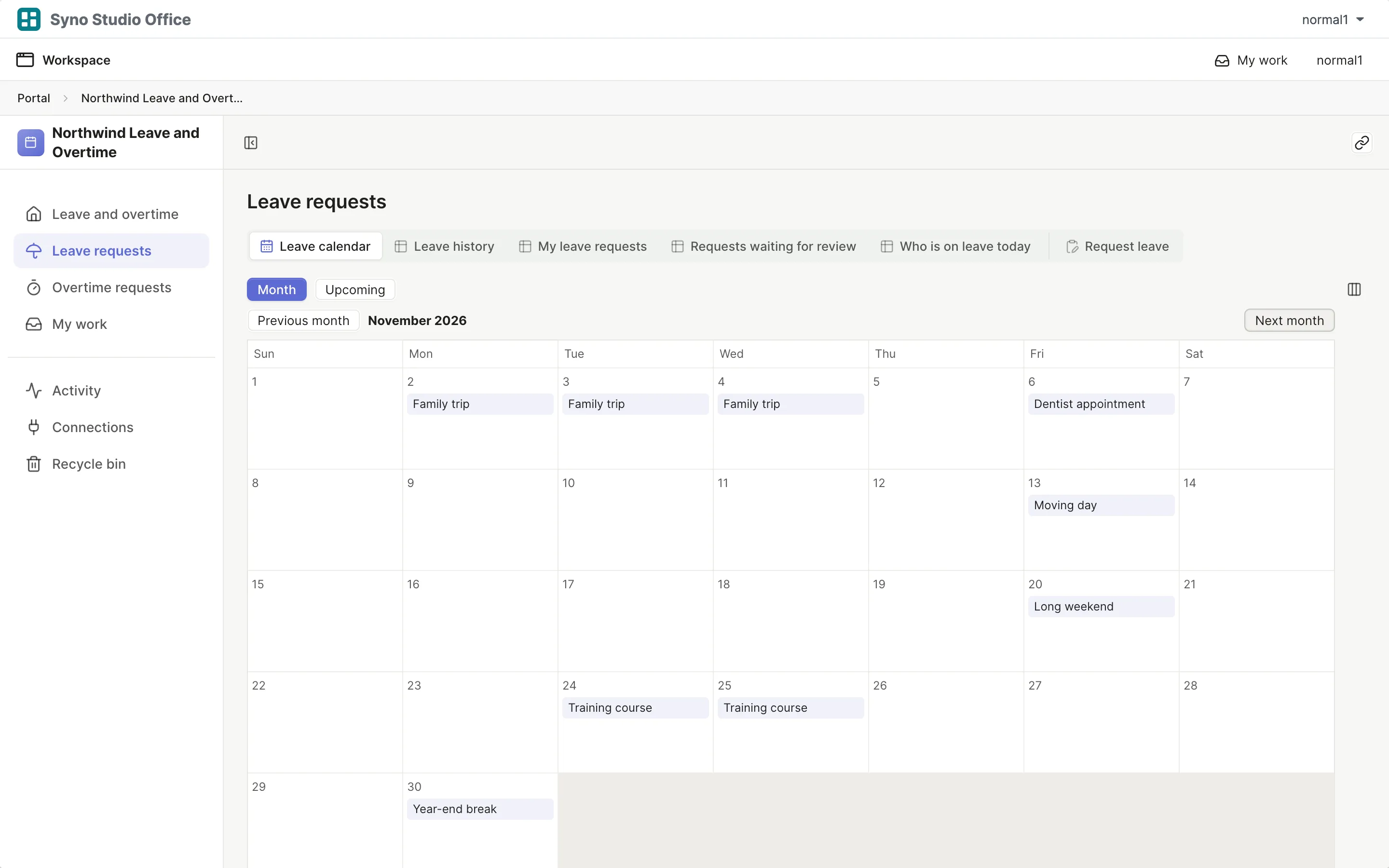
| Leave calendar | Yes | Approved leave on a calendar |
| Stand-ins | Yes | Hand over to a stand-in |
| Leave policies | Works differently | You set up the leave types |
| Payroll | Not available | |
| Time clock | Works differently | Basic web clock-in with the Leave, quotas and clock-in (advanced) template, no time clock hardware or shift scheduling |
What you gain by switching
Matching templates: Leave and overtime, Leave, quotas and clock-in (advanced)
- Colleagues request leave with their NAS account
- Managers approve in Chat with one tap
- HR data stays on your own NAS
How to move
-
Export a CSV
Export your data from the old tool
-
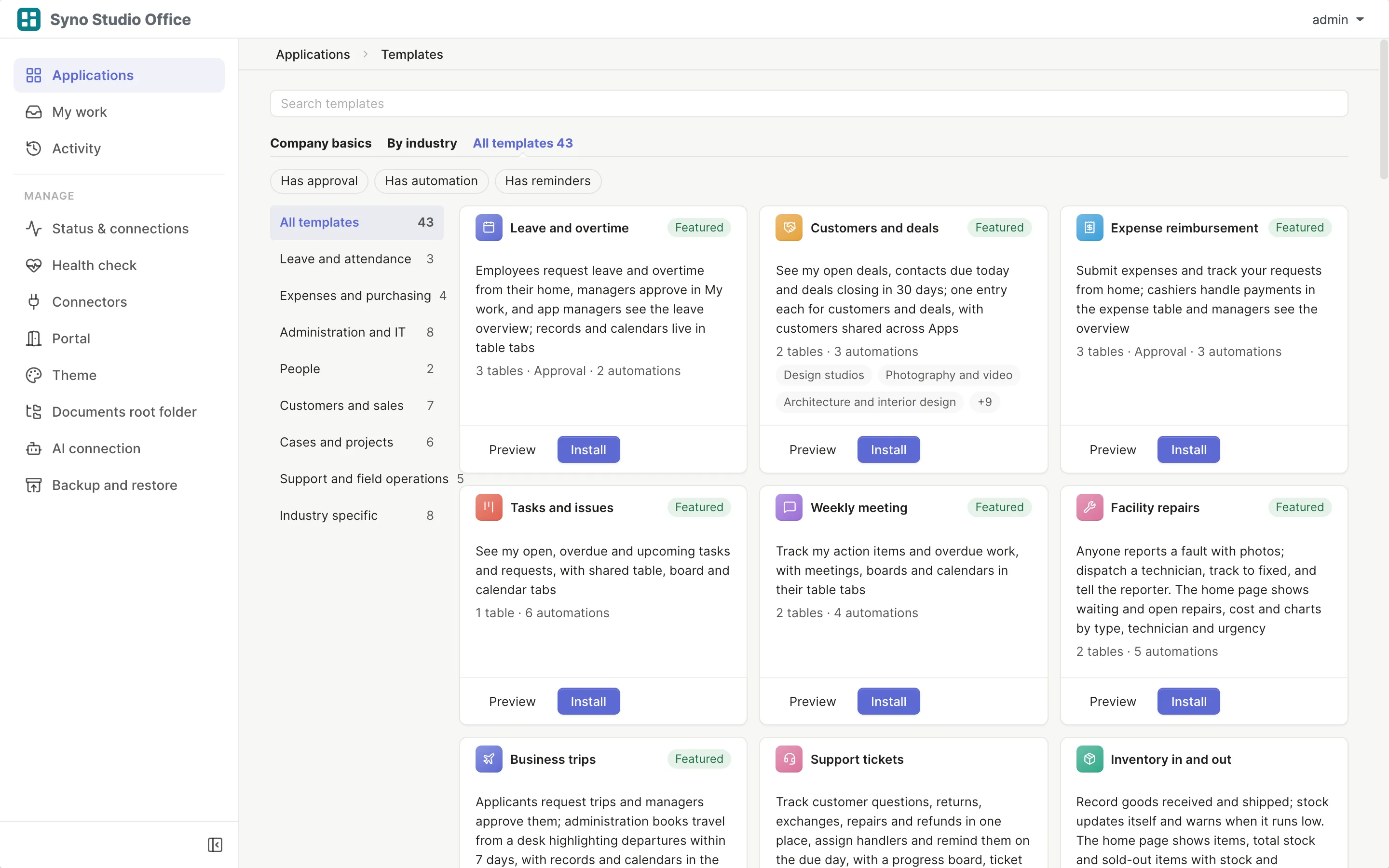
Install the template
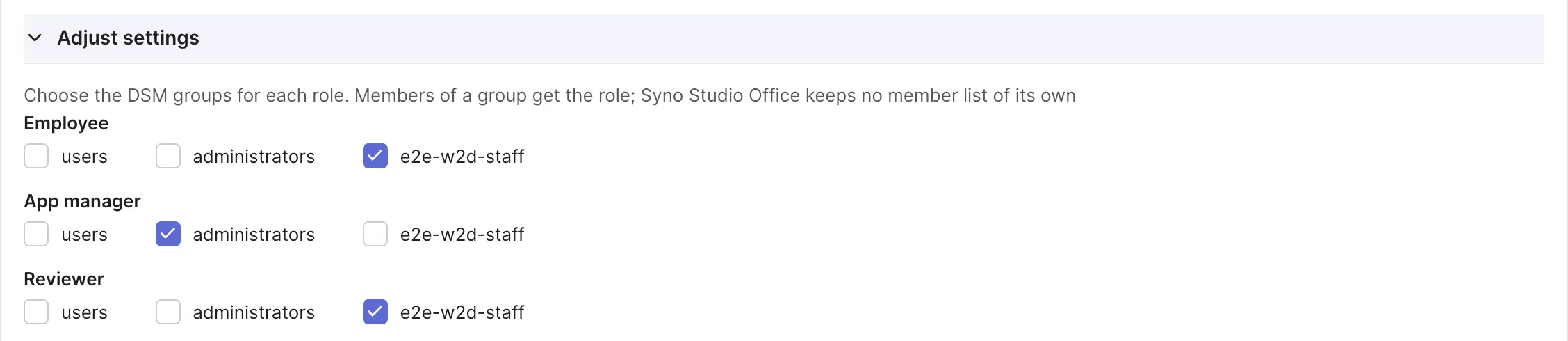
Pick the matching template and map roles to DSM groups
-
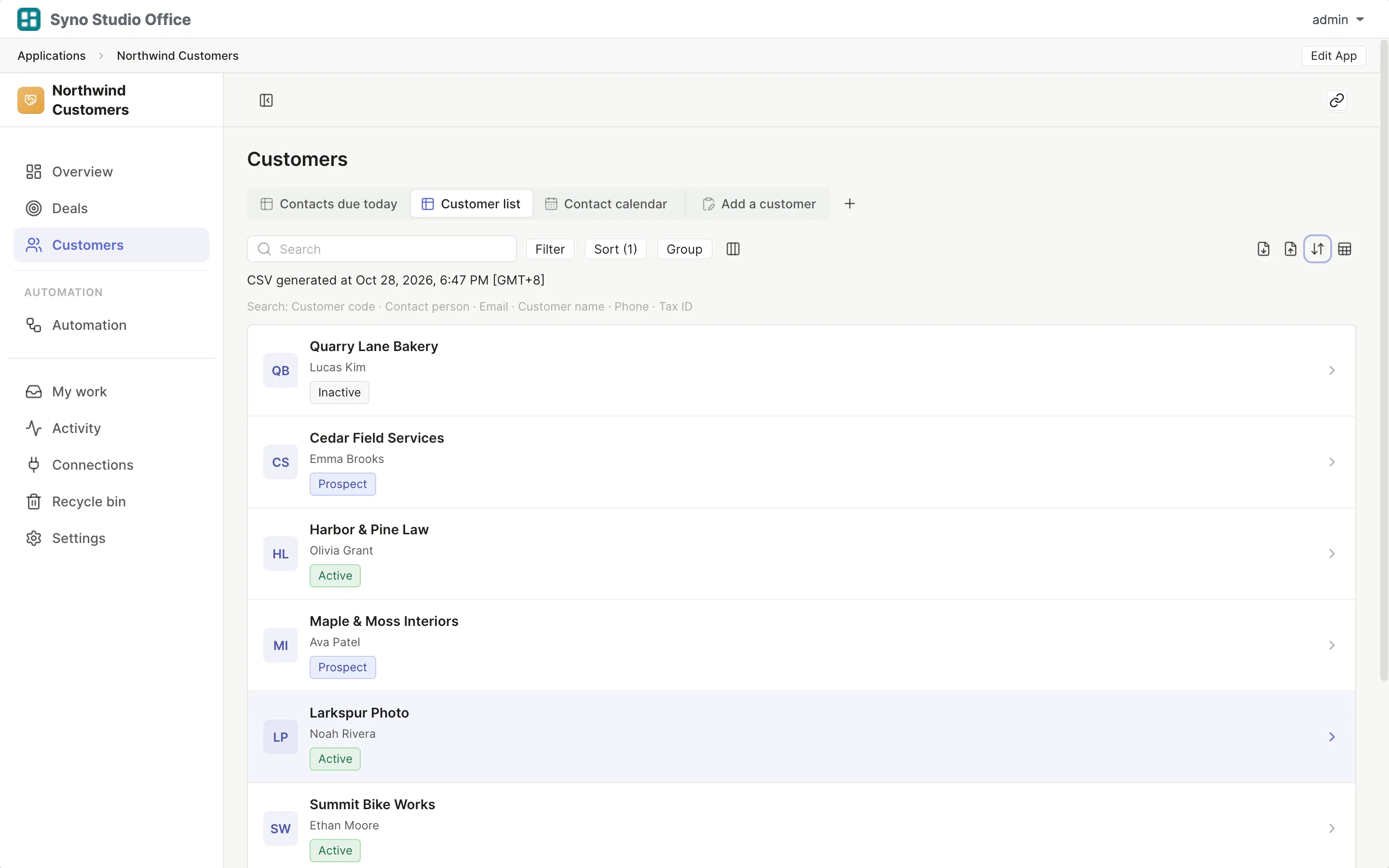
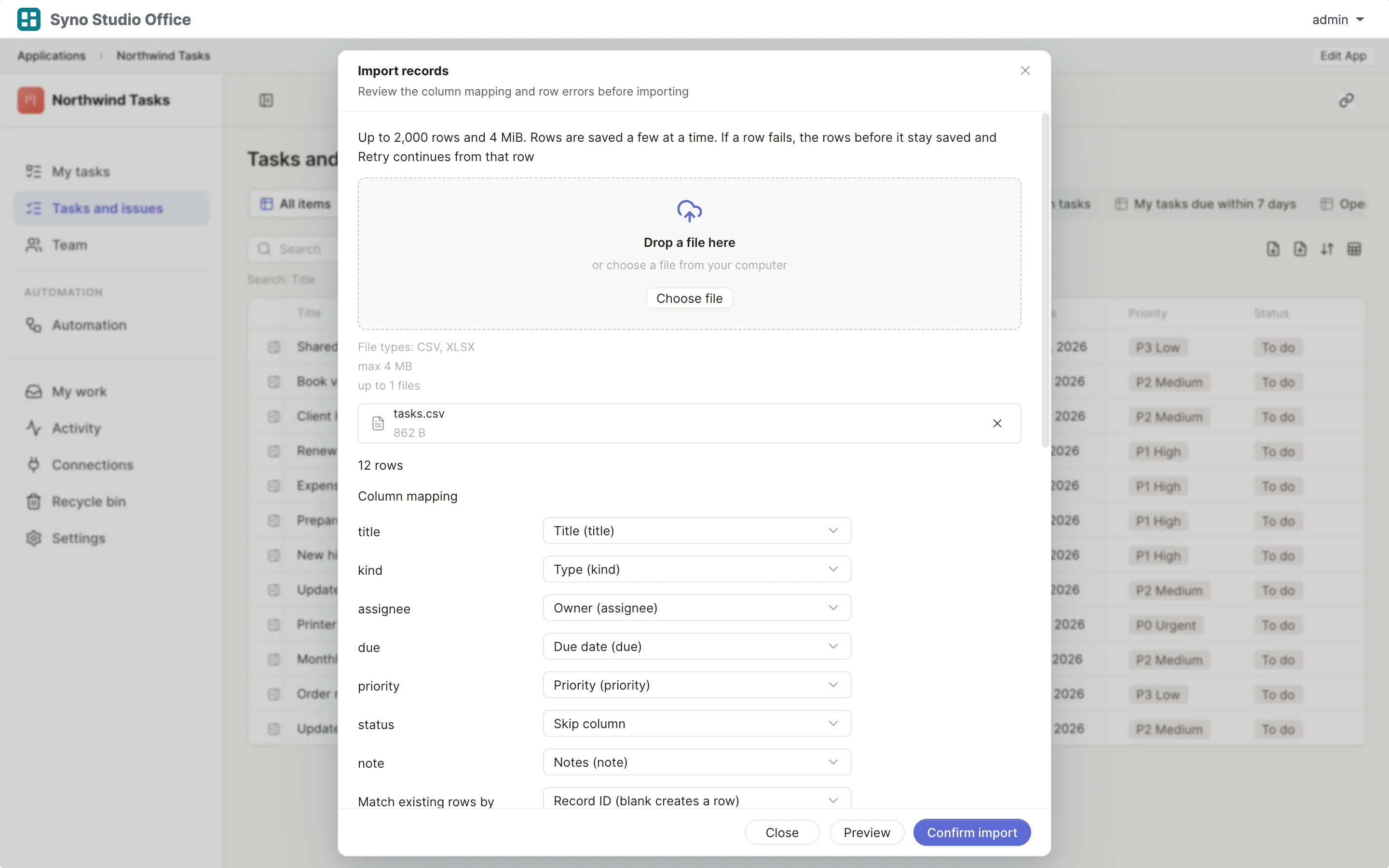
Import and map columns
Preview first, then match the columns
-
Run both for a while
Use both until you are sure, then switch the old one off
Check before you import
CSV or XLSX, imported once the columns match, 2,000 rows at a time or up to 25,000 in the background
Questions
Are national leave rules built in
No, you set up the leave types
Does it run payroll
No, use payroll software
Is there a time clock
Basic web clock-in comes with the advanced leave, quotas and clock-in template, hardware time clocks, shift scheduling and statutory attendance rules are not included
Who approves when a manager is away
Set a stand-in, and name an approver for people without a manager
How do colleagues request leave
They fill in a form in a computer or phone browser
How do I move old leave records
Export a CSV, then import it and map the columns