

Your data stays in your company
On your own Synology NAS, not someone else’s cloud
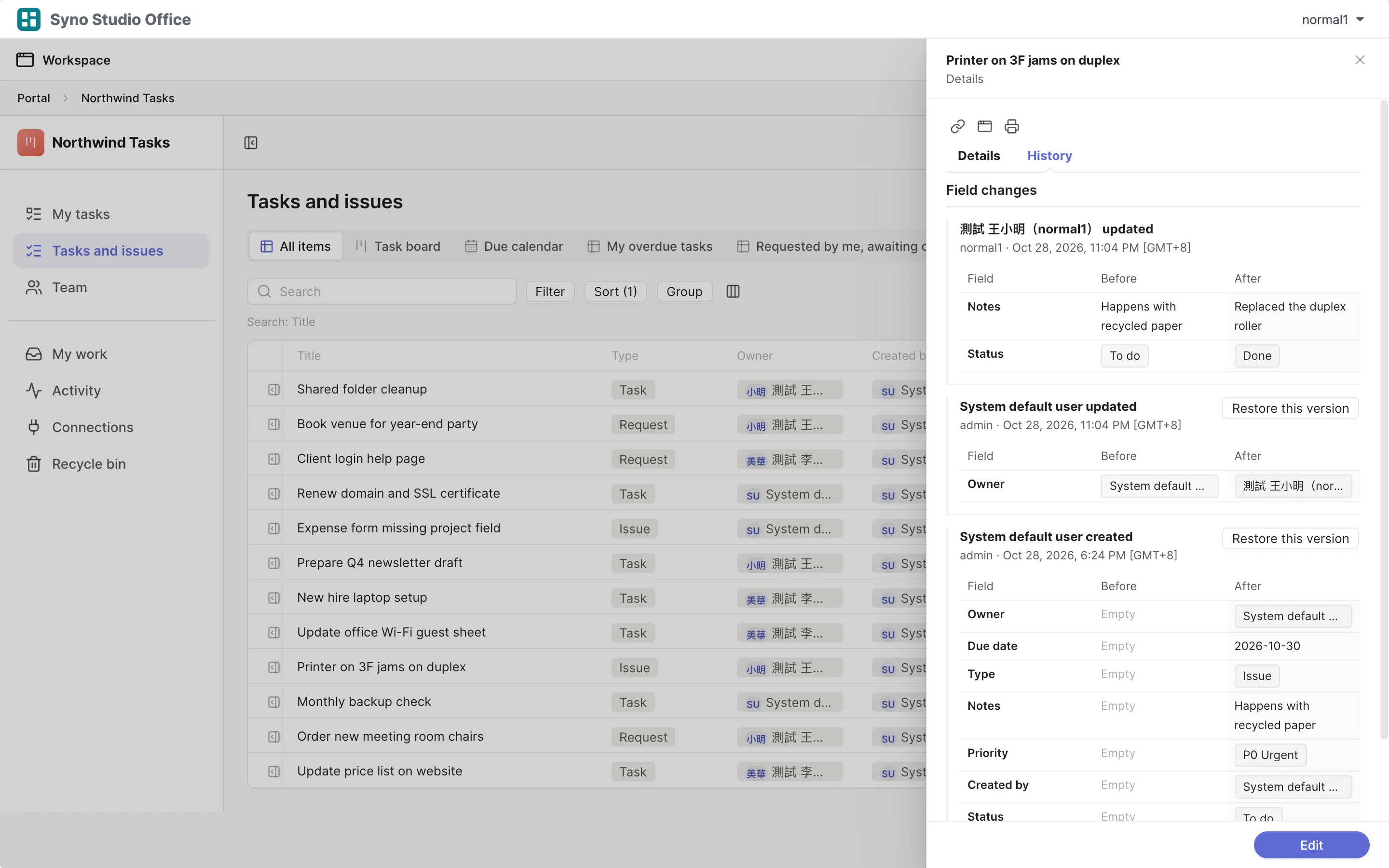
The NAS accounts you already have
No second set of accounts, when someone leaves you disable their NAS account
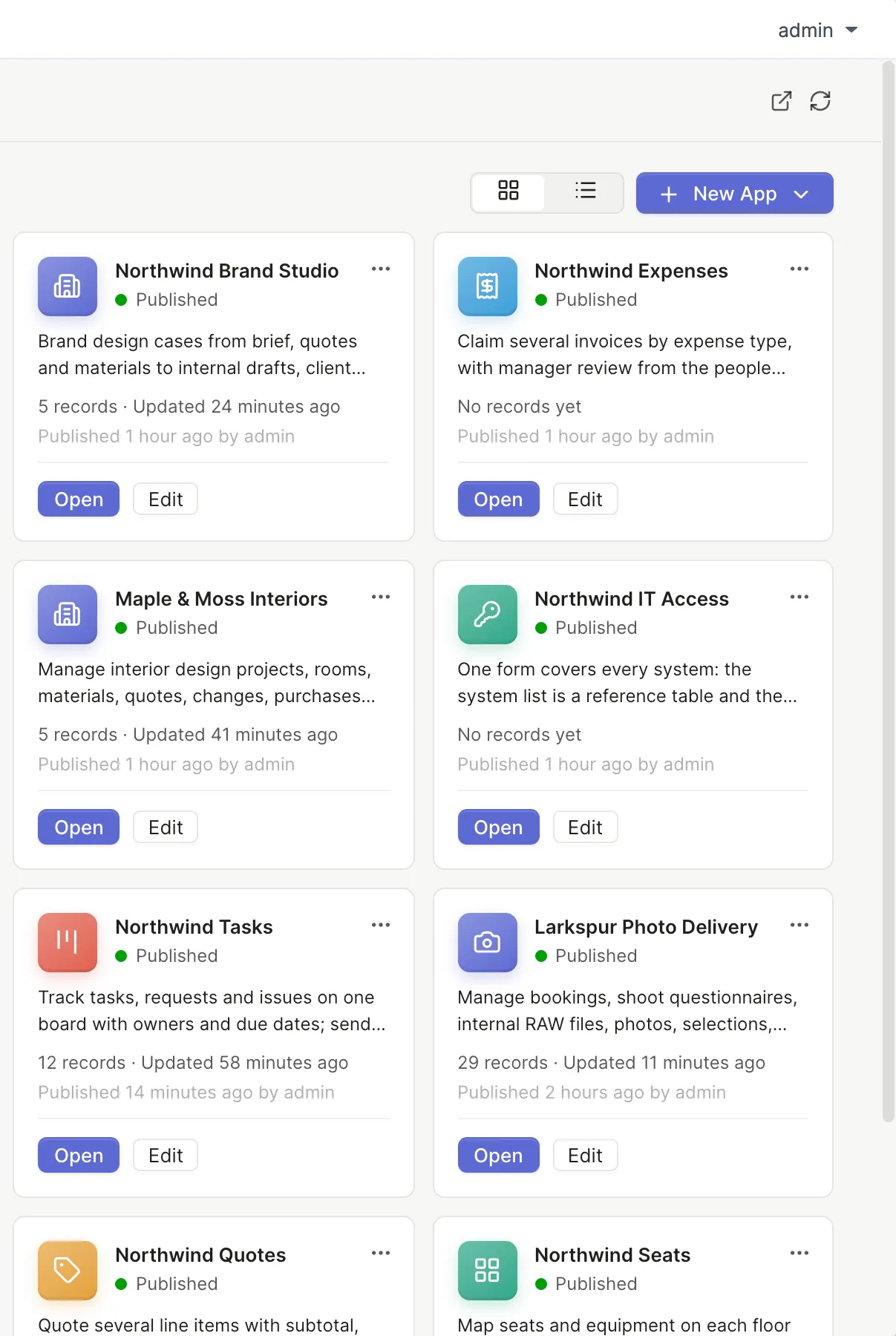
Who sees and changes what, down to each record
- Only their own
- Their department
- The people who report to them
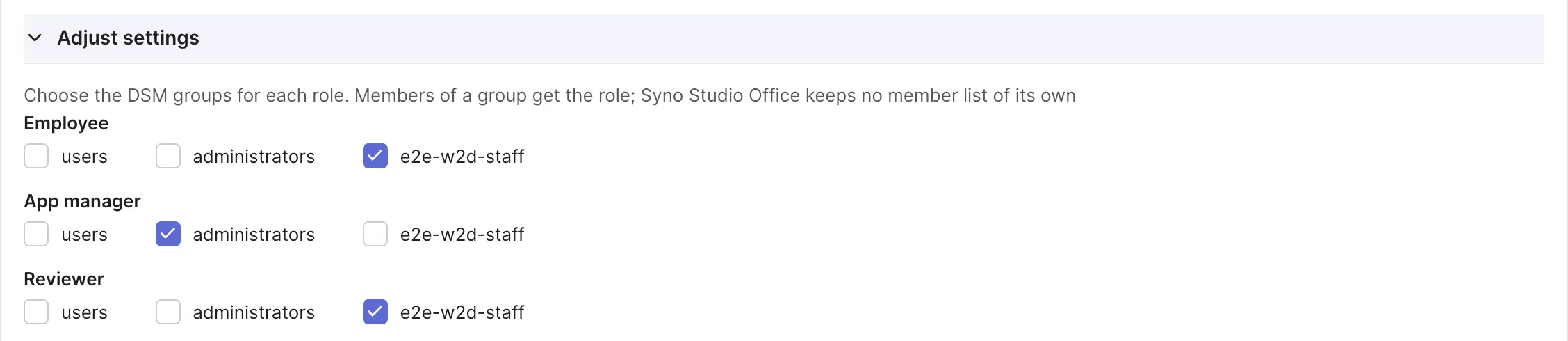
Daily and weekly snapshots
Restore a single app as a new app
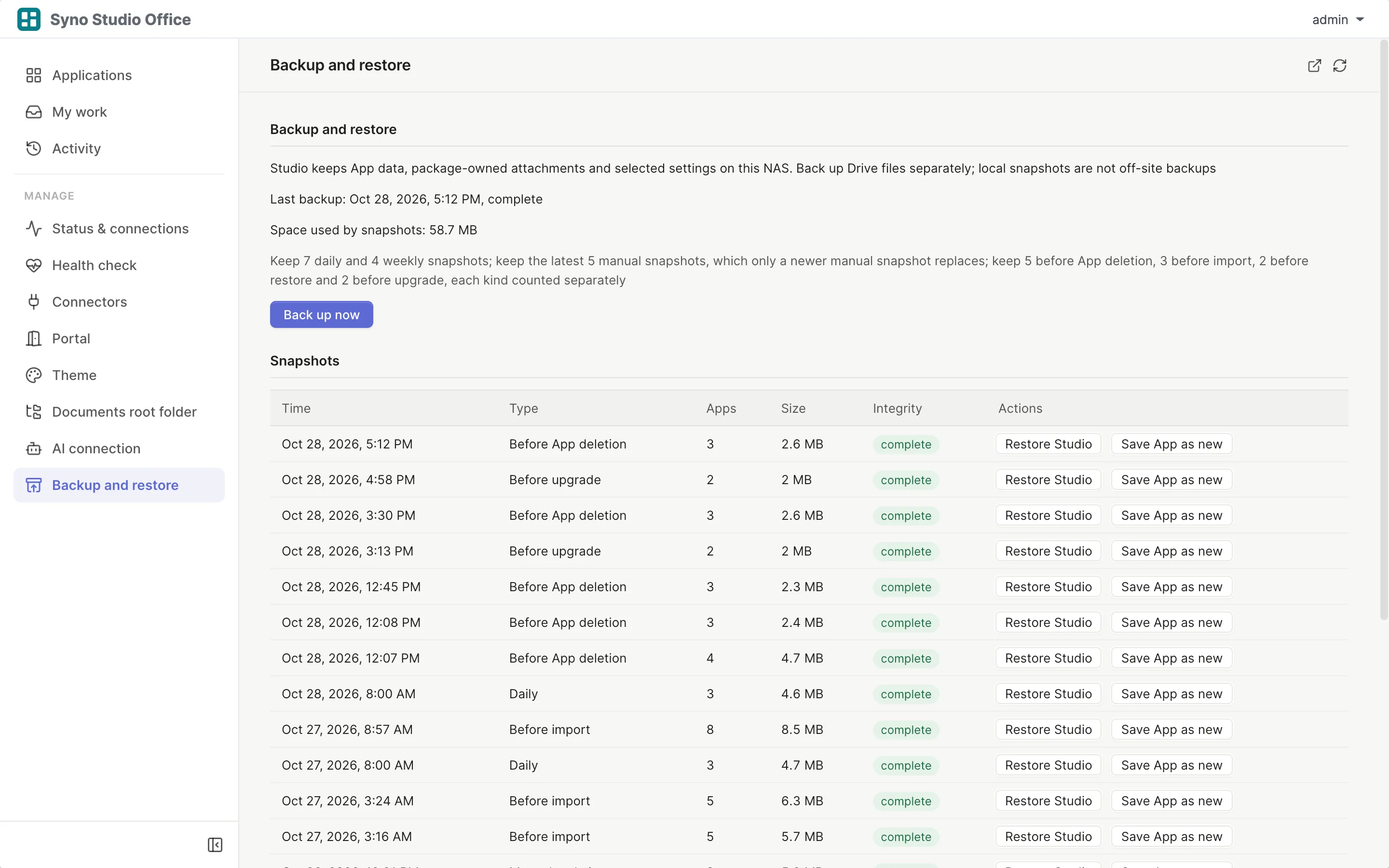
See who changed what
Every record keeps its history and the history can be exported
Your data is never locked in
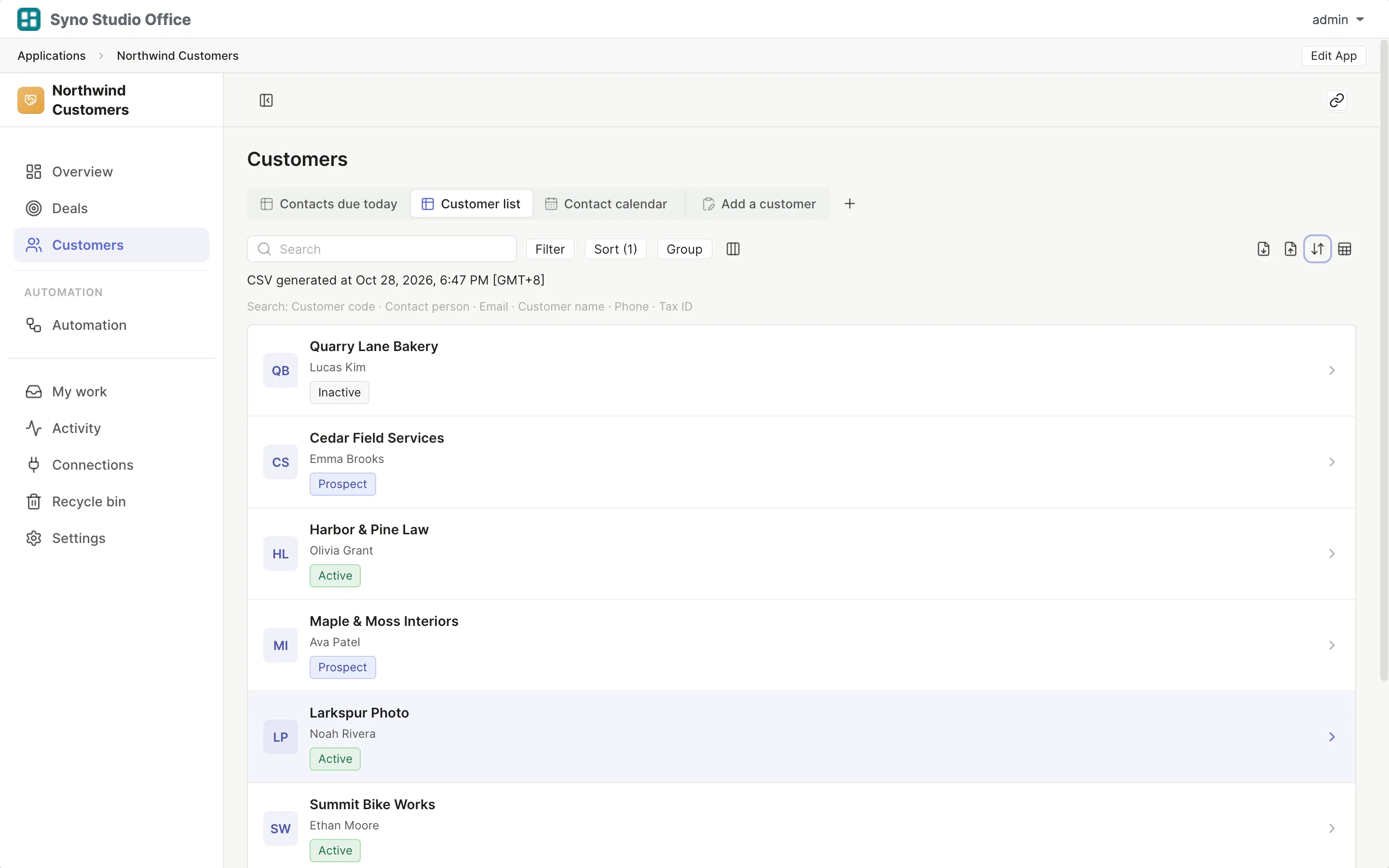
Export CSV, XLSX or a full data package at any time
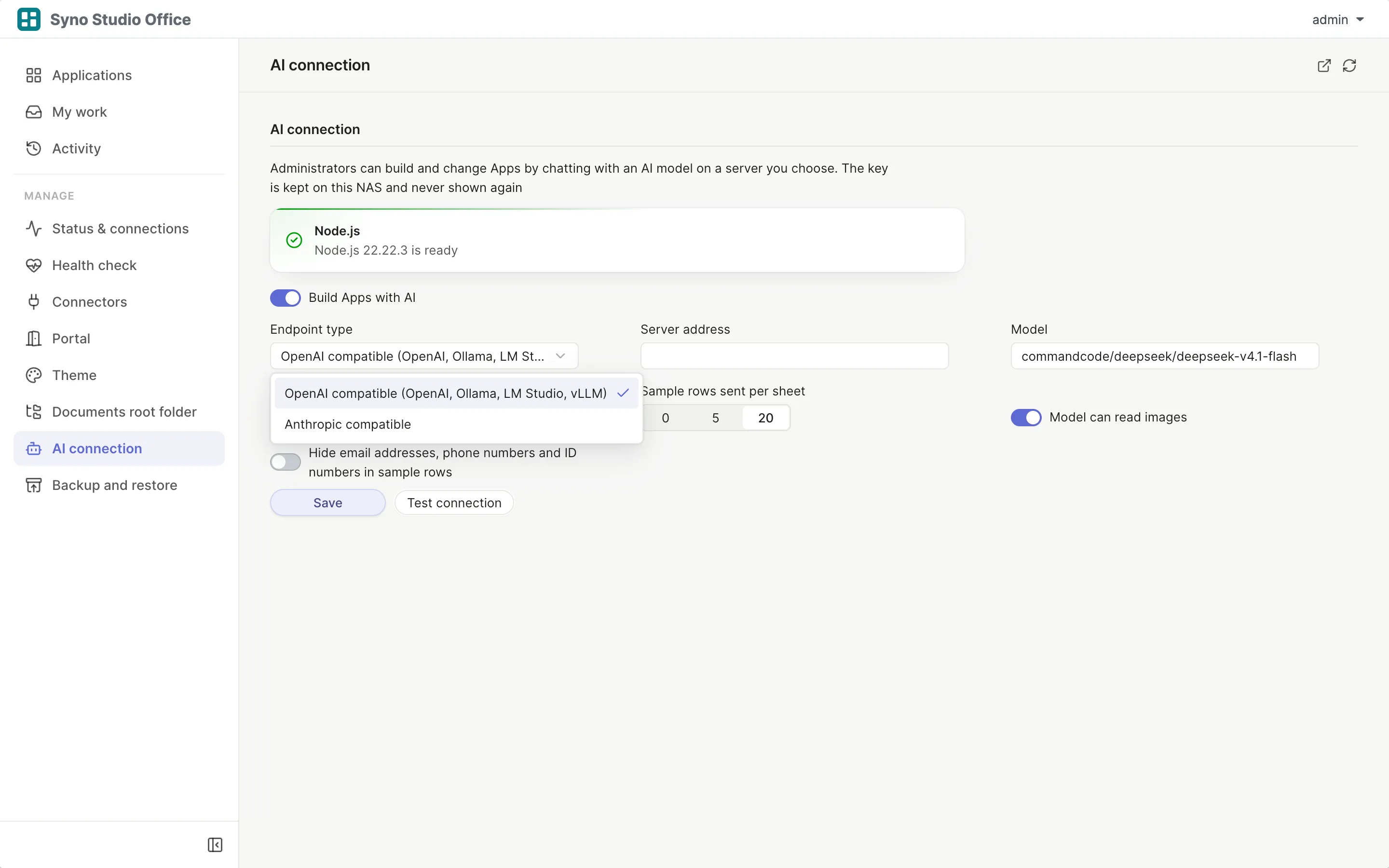
AI follows the same rule
- Keys are stored on your NAS
- Sample rows sent to AI can be set to none
Questions
What if the NAS fails
Syno Studio Office takes daily and weekly snapshots, back up the whole NAS the way you already do
Can people outside reach it
That depends on how your IT sets up outside access to the NAS
Can I export everything
Yes, as CSV, XLSX or a full data package
What happens when someone leaves
Disable their NAS account
Is there an activity log
Yes, every record shows who changed what and when
Does data go to the cloud
No, unless you turn on AI or connect an outside service
What database does it use
SQLite built into the package and installed with it on the NAS, nothing else to set up