

From Trello or Asana to Syno Studio Office
Boards, calendars, due-date reminders and meetings, done with the task, project and meeting templates
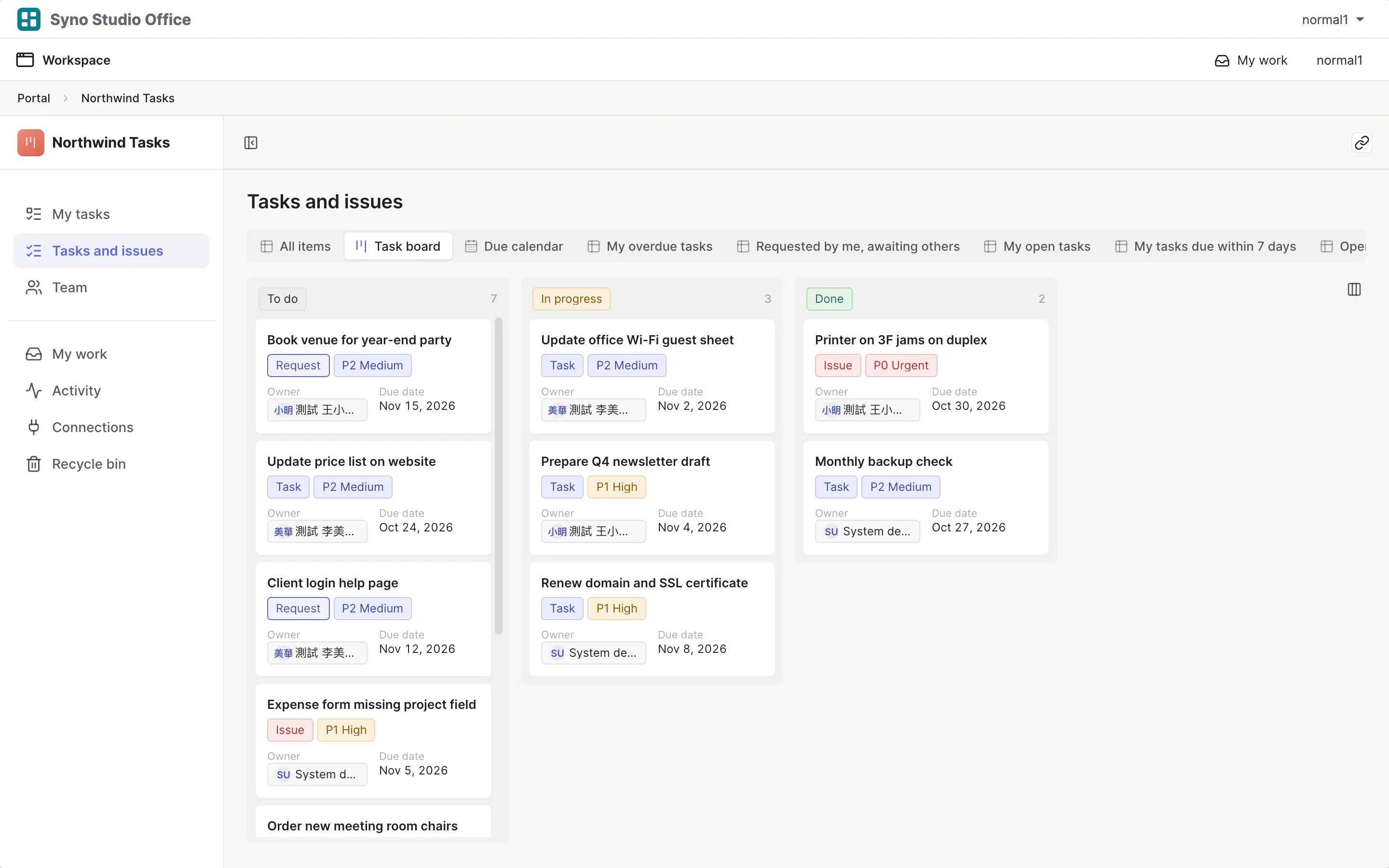
Side by side
5Yes
2Not available
| What they are known for | Here | How |
|---|---|---|
| Boards | Yes | Columns by status |
| Calendar | Yes | By date |
| My tasks | Yes | My work gathers everything waiting |
| Due-date reminders | Yes | Set with an automation rule |
| Automation | Yes | Rules built as a sentence |
| Gantt and timeline | Not available | |
| Live cursors | Not available |
What you gain by switching
Matching templates: Tasks and issues, Projects and milestones, Weekly meeting, OKR tracking
- Tasks live next to the rest of your company data
- NAS accounts, no extra seats in a second tool
- Meeting action items become tasks
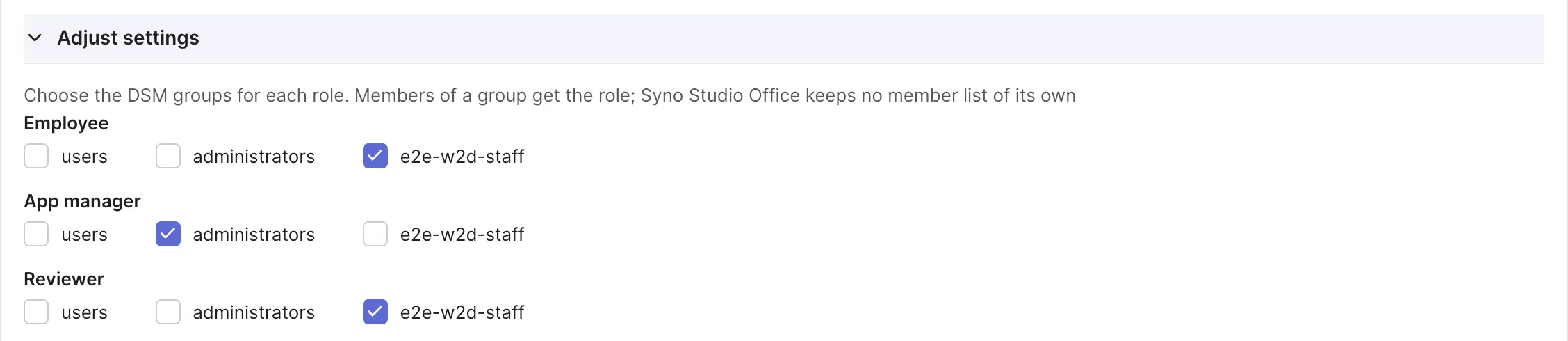
How to move
-
Export a CSV
Export your data from the old tool
-
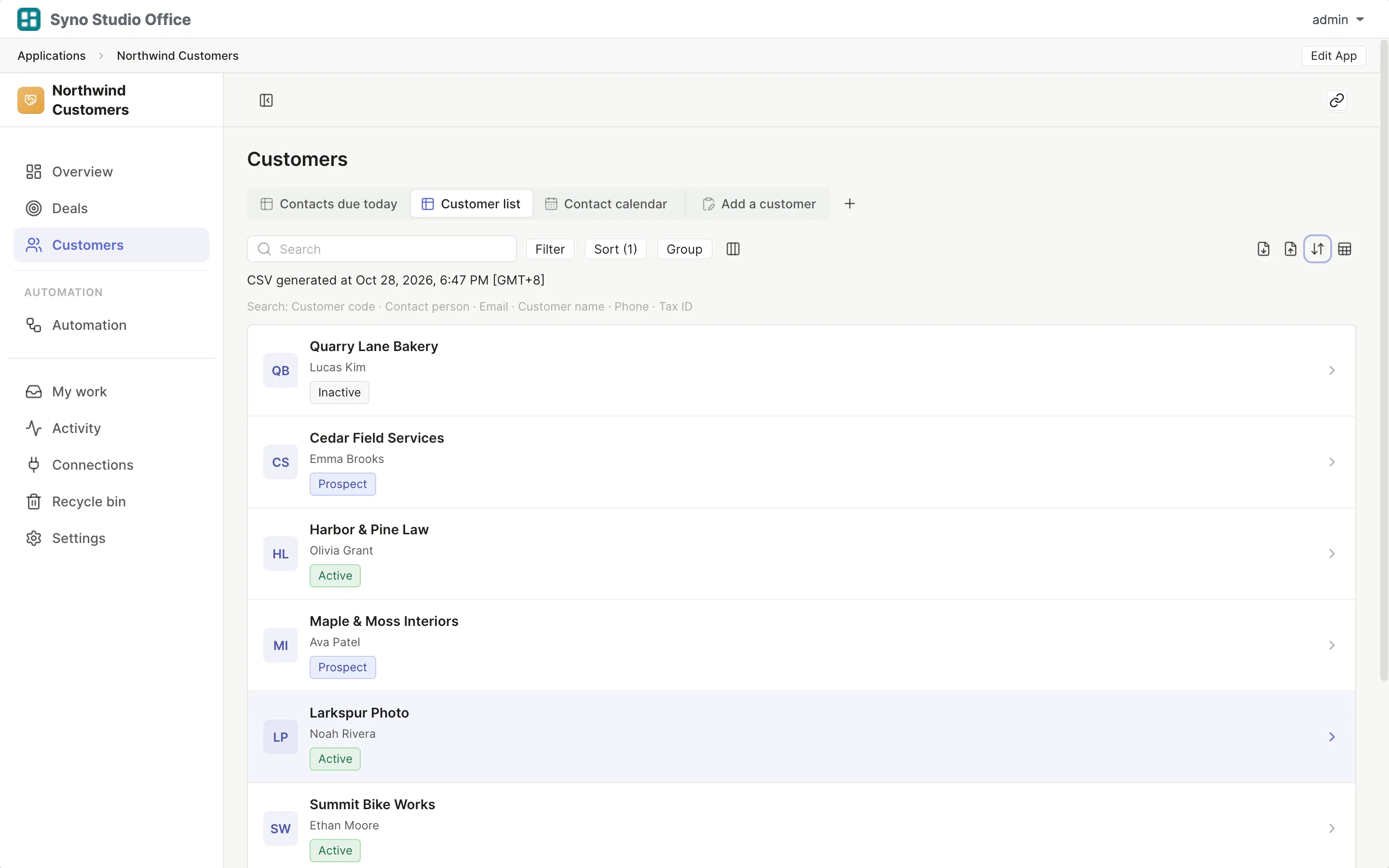
Install the template
Pick the matching template and map roles to DSM groups
-
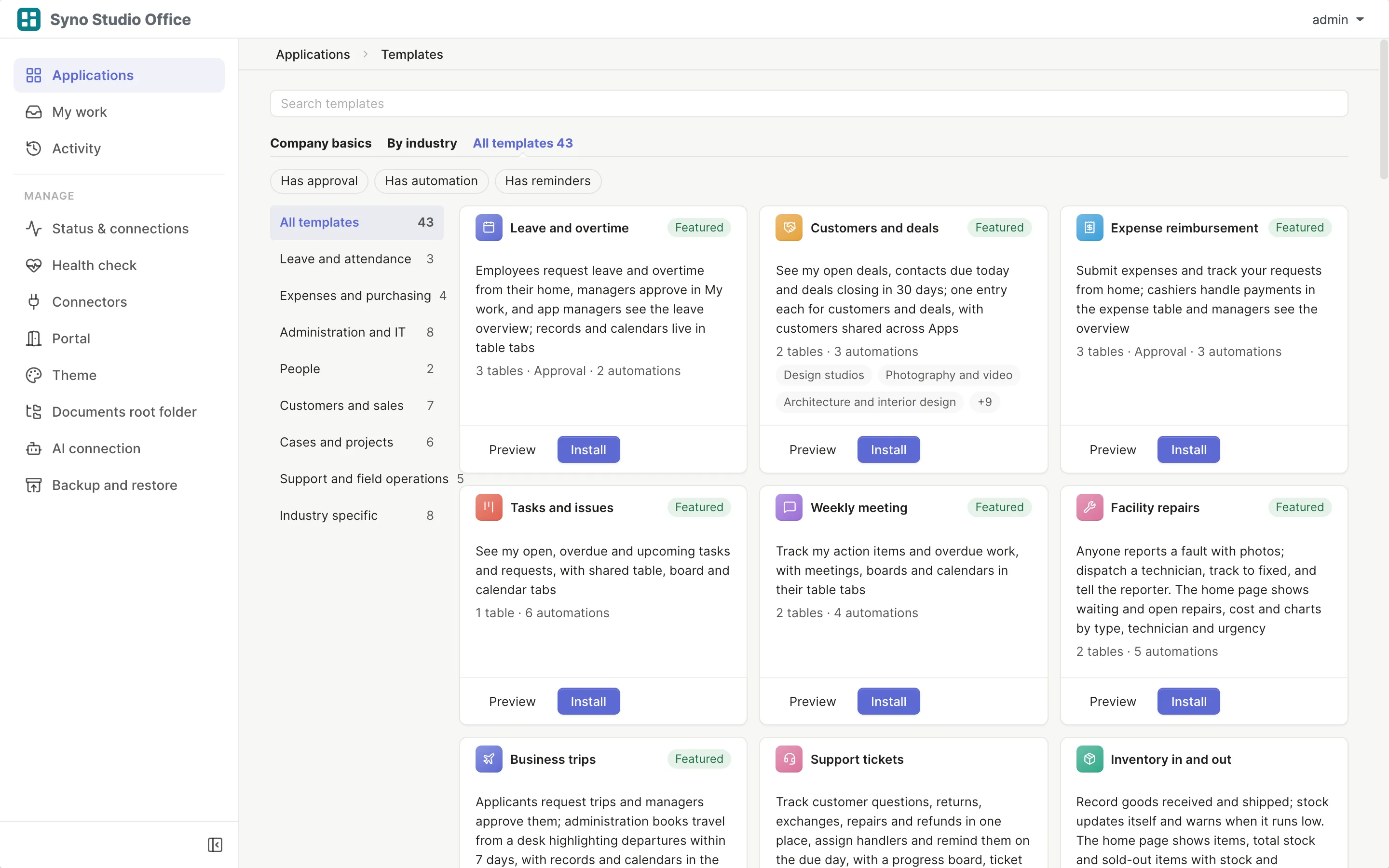
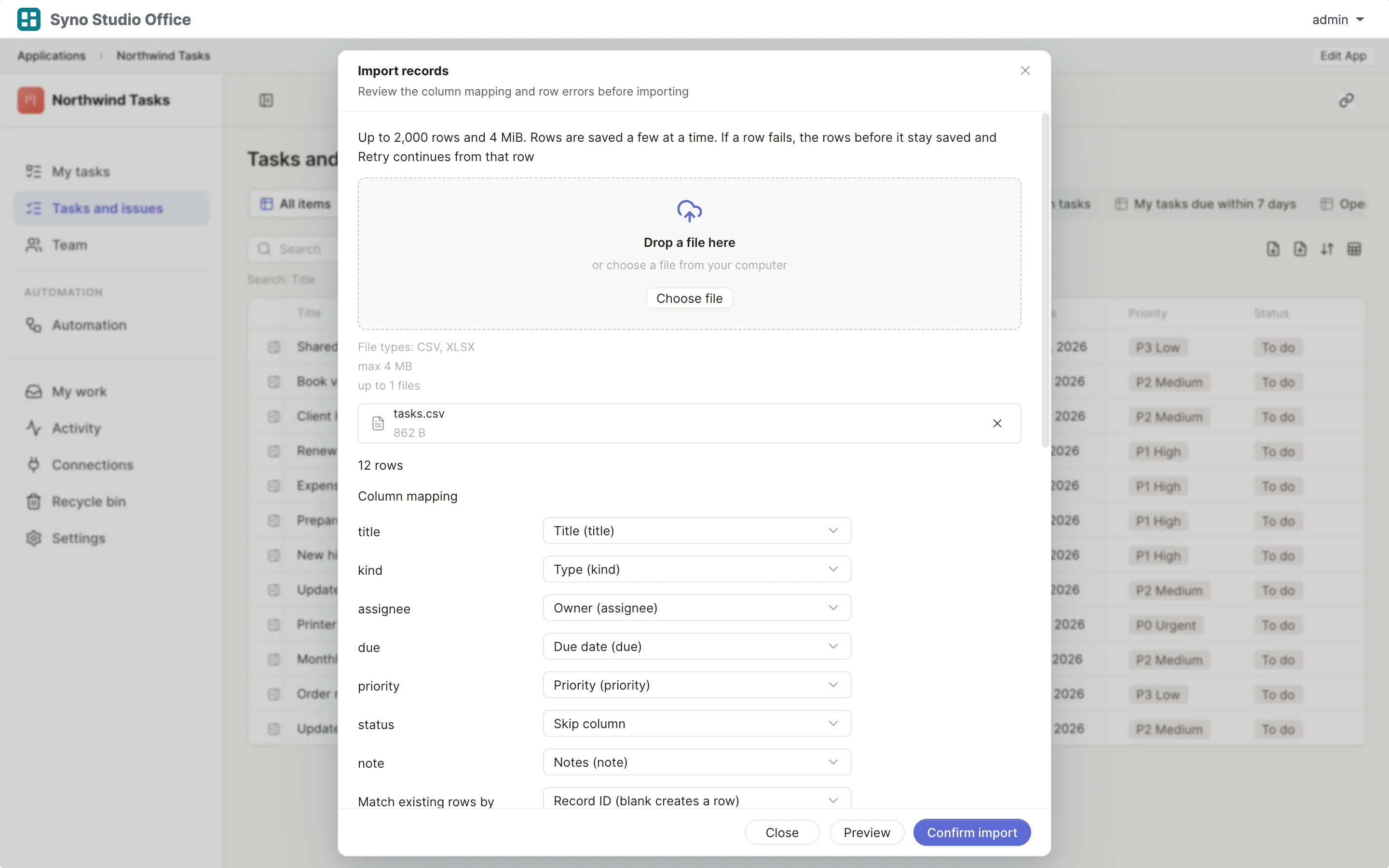
Import and map columns
Preview first, then match the columns
-
Run both for a while
Use both until you are sure, then switch the old one off
Check before you import
CSV or XLSX, imported once the columns match, 2,000 rows at a time or up to 25,000 in the background
Questions
Is there a Gantt chart
No
Can I drag cards
Yes, drag cards on the board to change status
Are there due-date reminders
Yes, with an automation rule such as reminding the owner a day before
Can I see others editing live
There are no live cursors
Is there a phone app
Use the phone browser, tables turn into cards
How do I move old tasks
Export a CSV, then import it and map the columns