

From Filestage or Frame.io to Syno Studio Office
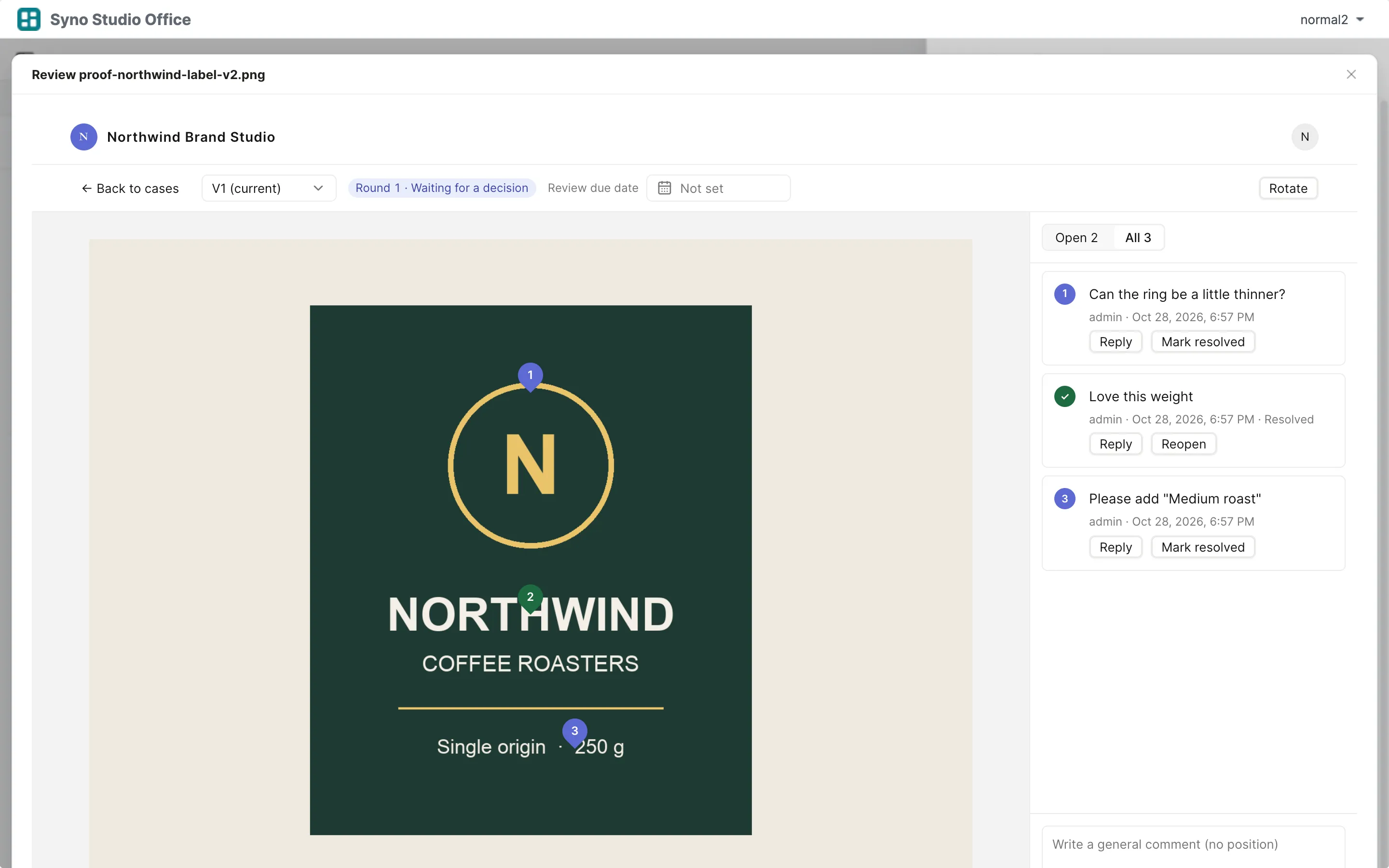
Pin comments, video timecode comments and review rounds, done with the brand design or video production template
Side by side
| What they are known for | Here | How |
|---|---|---|
| Image and PDF comments | Yes | Click to pin numbered comments, on every PDF page |
| Video timecode comments | Yes | Numbered markers on the timeline |
| Review rounds and approval | Yes | Approve or request changes before a due date |
| Resolving comments | Yes | Reply, resolve, reopen |
| Archiving approved files | Yes | Saved to Drive on approval |
| Drawing shapes and arrows | Yes | Boxes, ellipses, arrows, lines, polygons and freehand on images and PDFs |
| Side-by-side or overlay comparison | Yes | Images side by side, overlaid, with a slider or a difference view, PDFs side by side or overlaid, videos side by side |
| Parallel reviewer groups | Not available | |
| Video transcoding | Not available | Upload MP4 (H.264) |
What you gain by switching
Matching templates: Brand design studio, Video production & sponsorships
- Proofs and videos stay on your own NAS
- Reviews, requests and signing on one case page
- Internal drafts and costs stay hidden from clients
How to move
-
Export a CSV
Export your data from the old tool
-
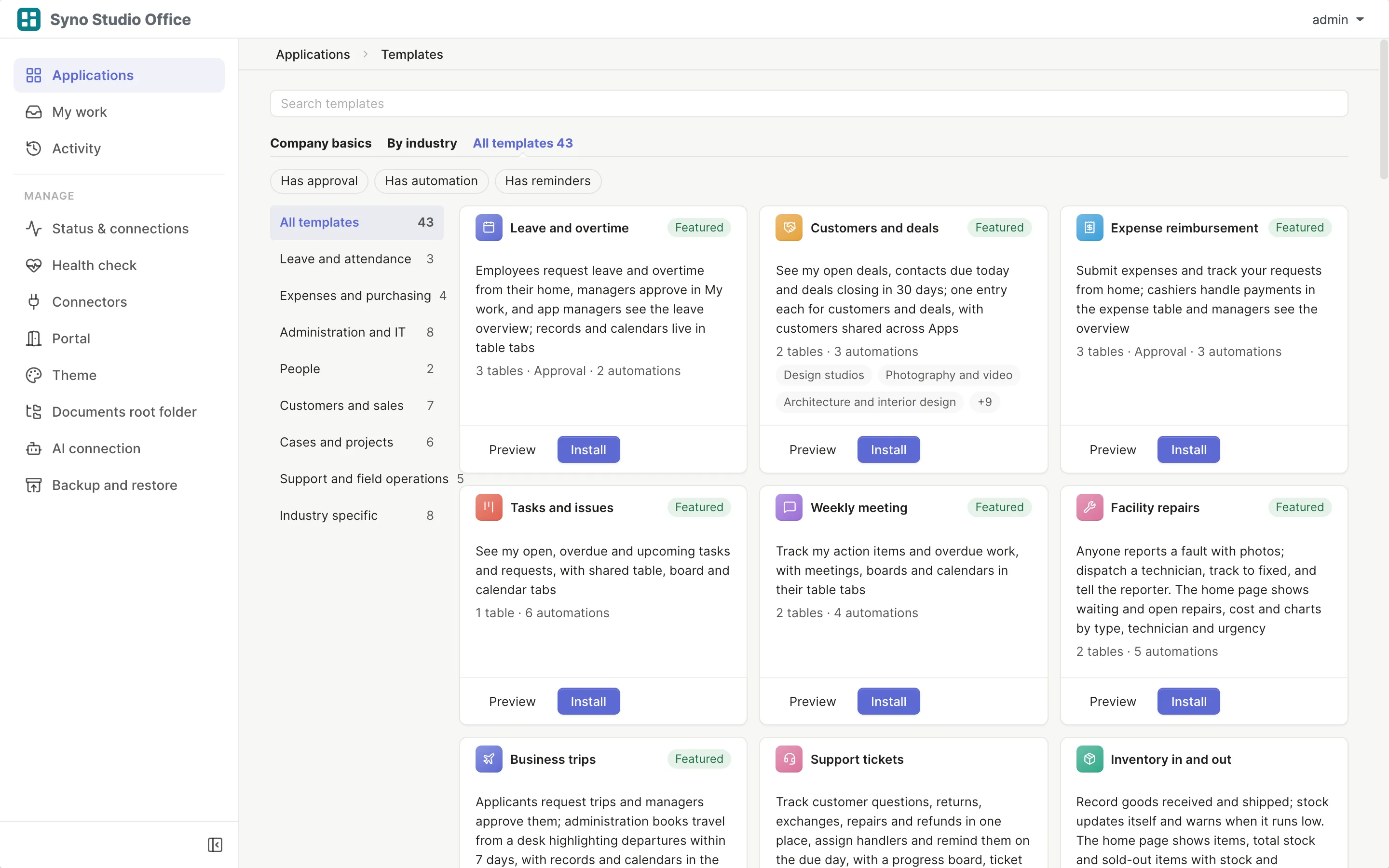
Install the template
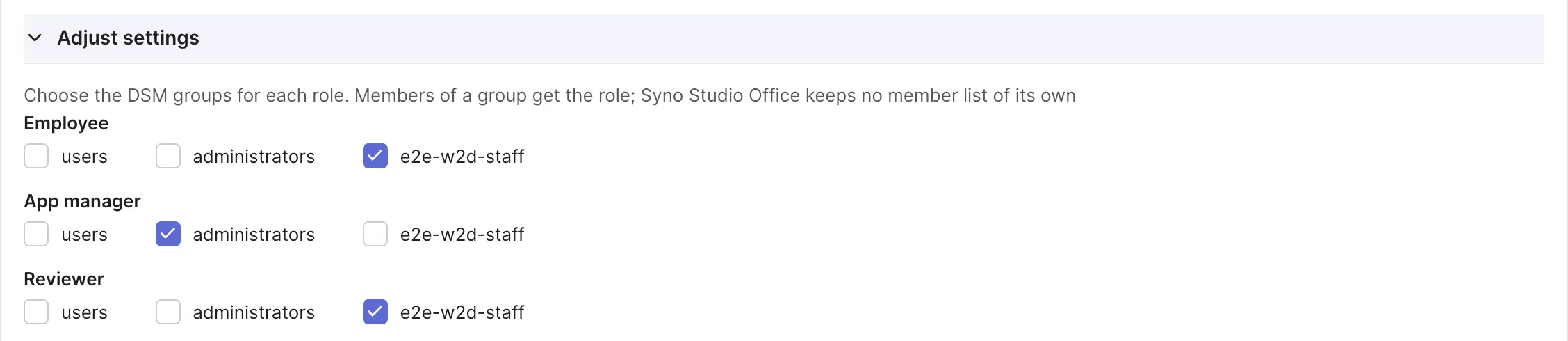
Pick the matching template and map roles to DSM groups
-
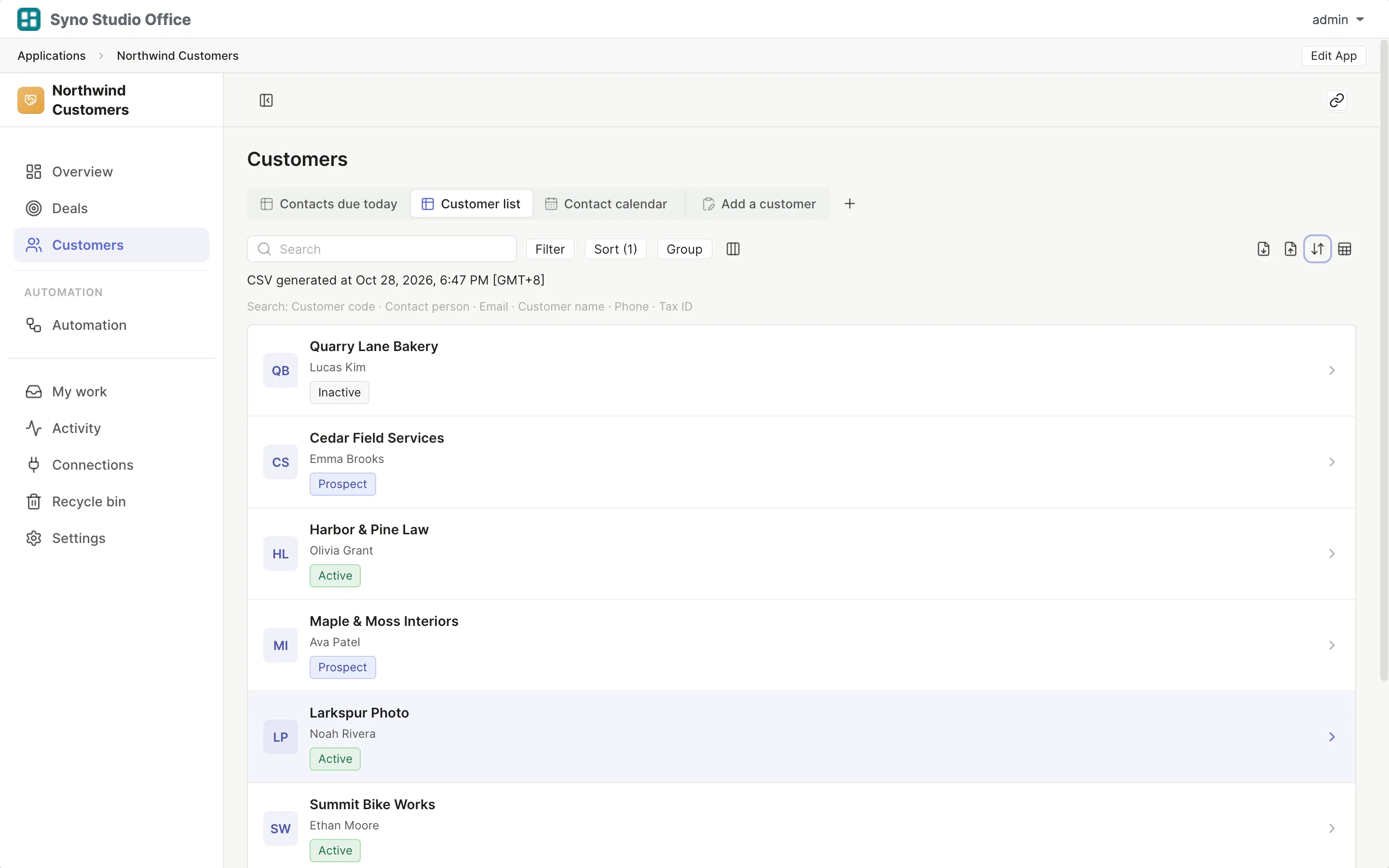
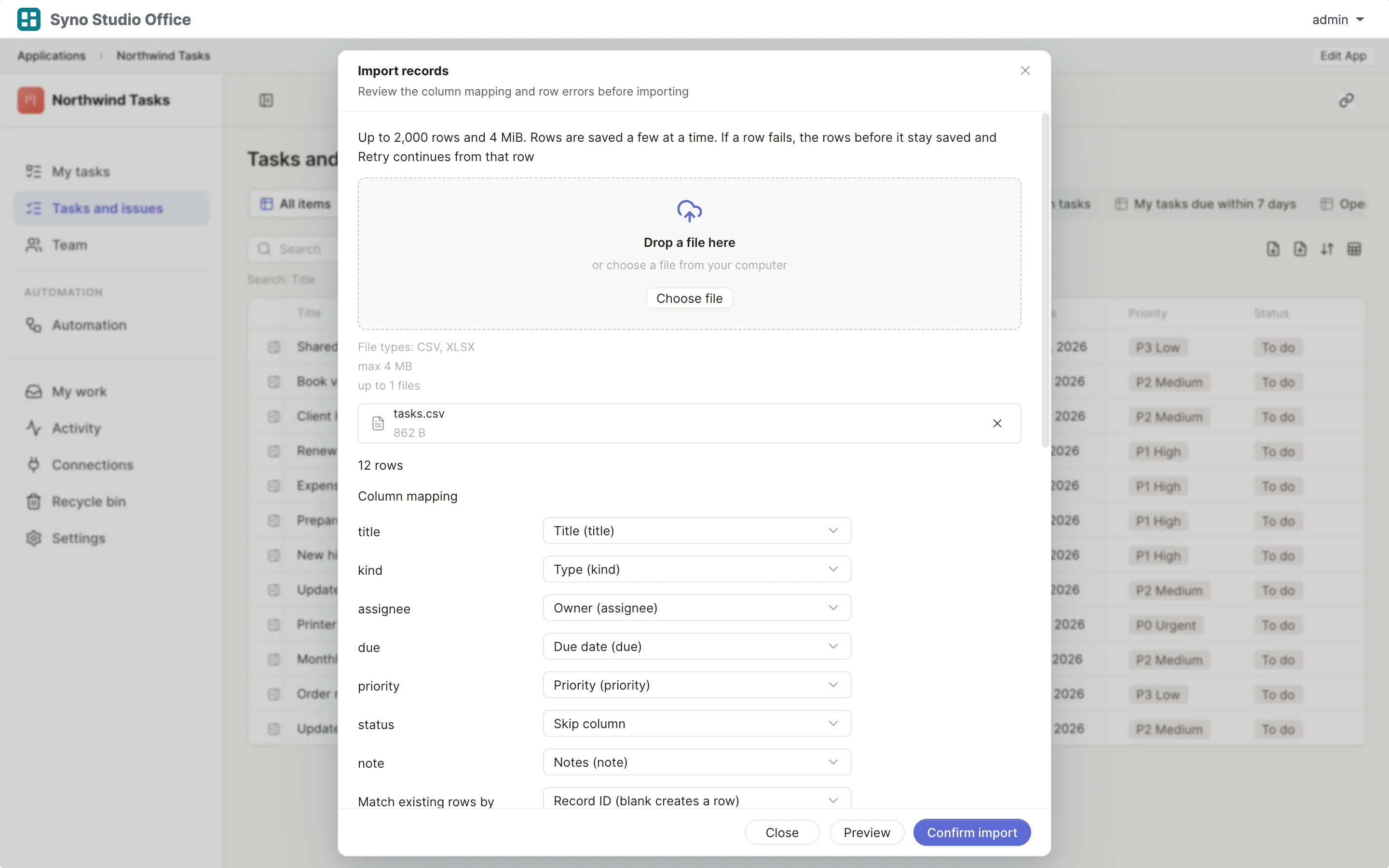
Import and map columns
Preview first, then match the columns
-
Run both for a while
Use both until you are sure, then switch the old one off
Check before you import
CSV or XLSX, imported once the columns match, 2,000 rows at a time or up to 25,000 in the background
Questions
Can I draw circles on images
Yes, draw boxes, ellipses, arrows, lines, polygons or freehand on images and PDFs, or pin a numbered comment, videos take timecode comments
Can I compare versions side by side
Yes, images side by side, overlaid, with a slider or a difference view, PDFs side by side or overlaid and videos side by side, comparing is read-only and comments stay with their round
Which video format works
MP4 (H.264), there is no transcoding
Do clients need an account
Yes, clients sign in with an account on your NAS and see only their own cases
Where do approved versions go
A copy is saved to Drive on approval
What about large video files
Approved versions up to 2 GiB can be archived to Drive, subject to field limits, Drive version retention and folder access, the archive result is shown and interrupted uploads cannot resume