

From Pixieset to Syno Studio Office
Bookings, questionnaires, picking and delivery, done with the photo delivery template
Side by side
3Yes
2Works differently
3Not available
| What they are known for | Here | How |
|---|---|---|
| Client galleries | Works differently | A gallery for each case, clients sign in |
| Photo picking | Yes | With a limit and a due date |
| Proof approval | Yes | Final files after a proof is approved |
| Booking | Works differently | Times never overlap, set by the studio, no public booking page |
| Questionnaires | Yes | Filled in after booking |
| Public share links | Not available | Every client needs an account |
| Online store and prints | Not available | |
| Online payments | Not available |
What you gain by switching
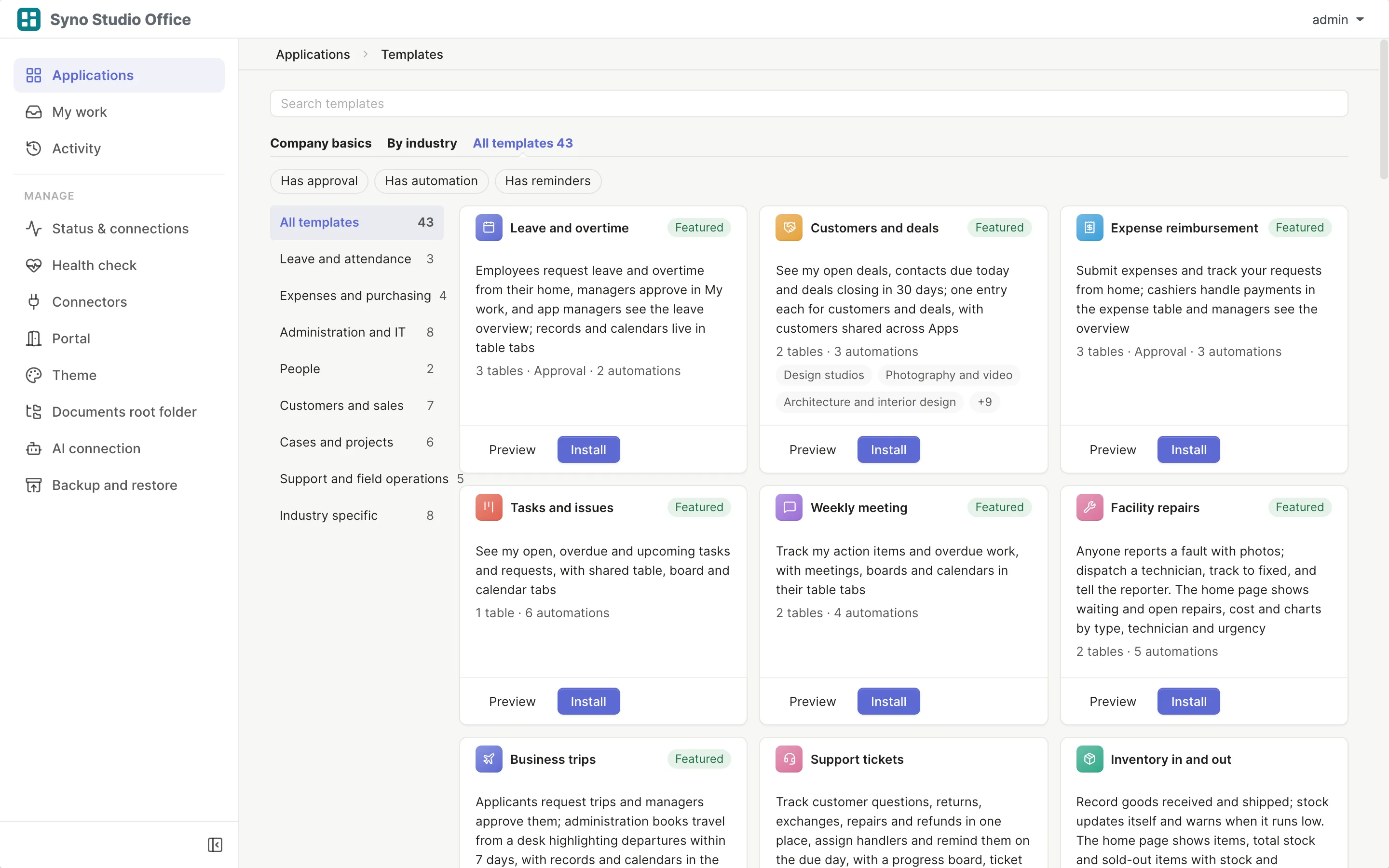
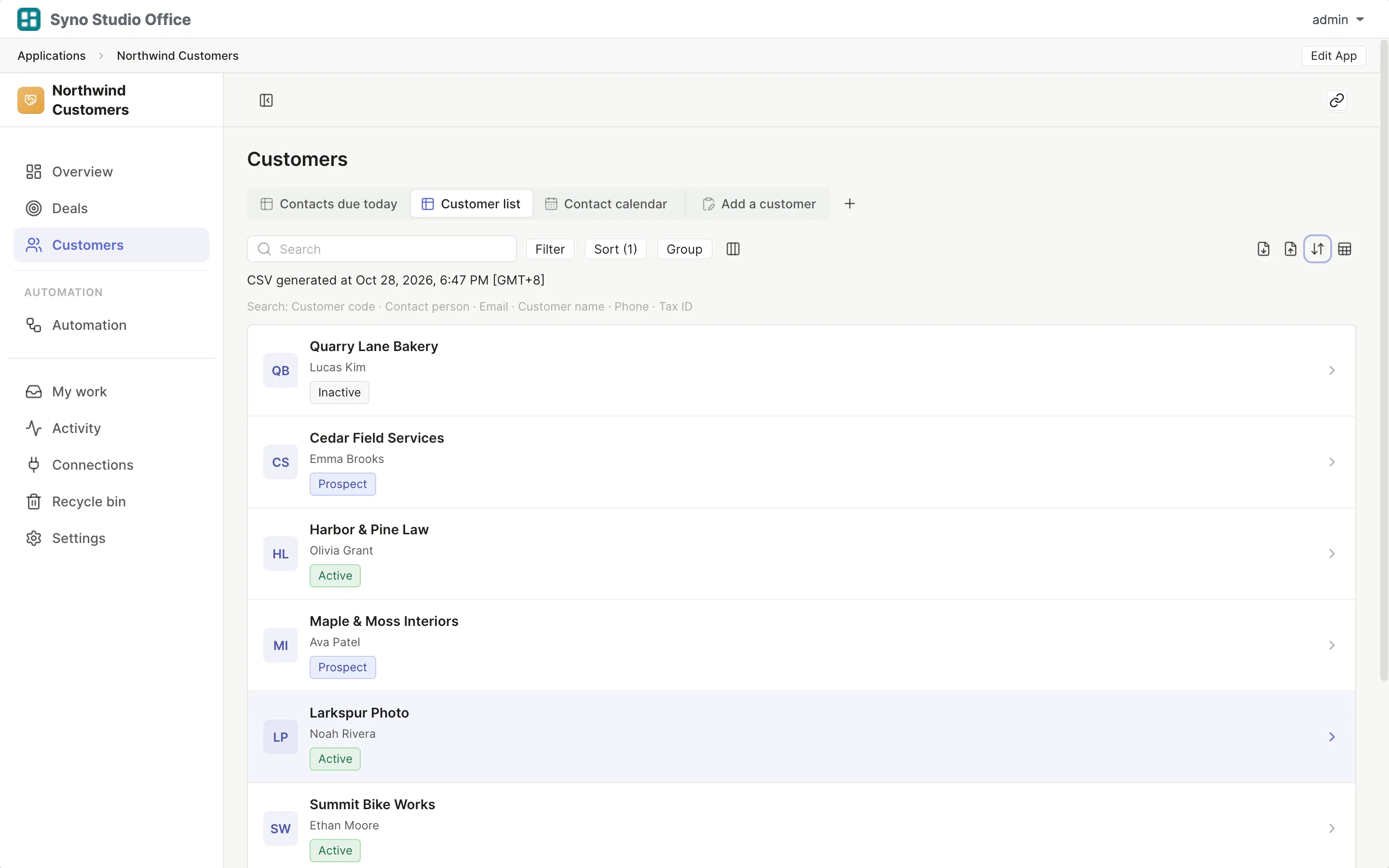
Matching templates: Photo delivery
- Photos stay on the studio’s own NAS
- RAW files stay inside
- Batch upload JPEG and PNG
How to move
-
Export a CSV
Export your data from the old tool
-
Install the template
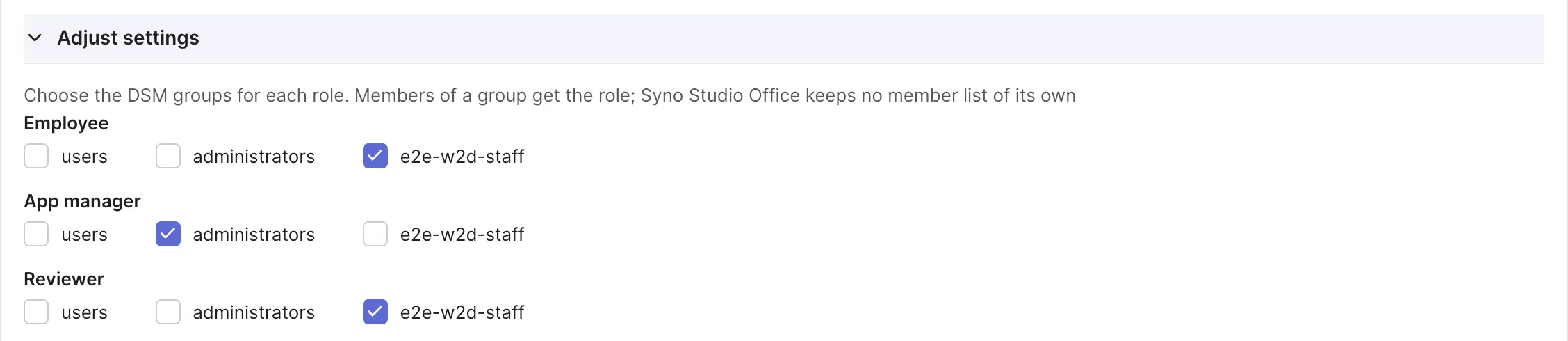
Pick the matching template and map roles to DSM groups
-
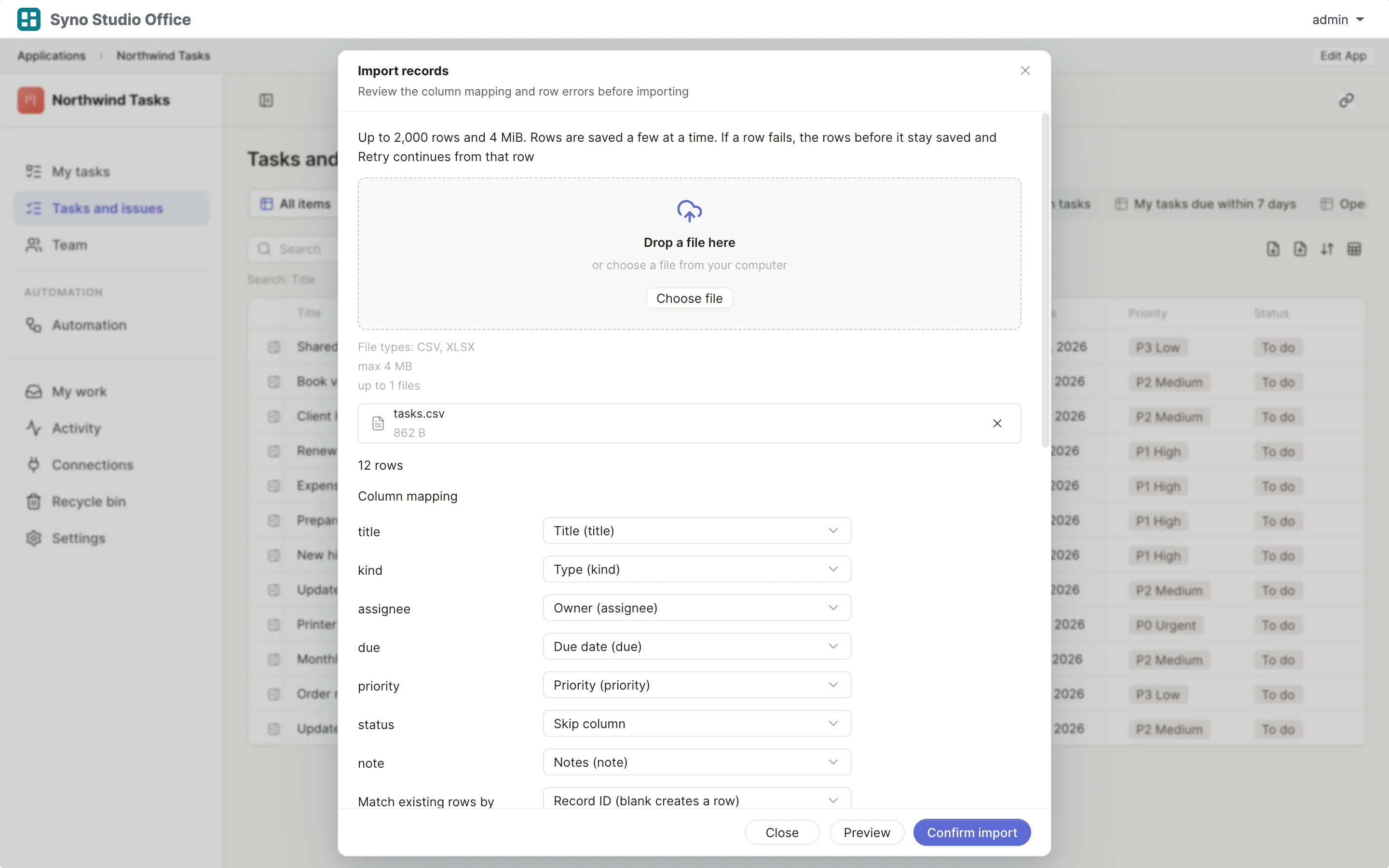
Import and map columns
Preview first, then match the columns
-
Run both for a while
Use both until you are sure, then switch the old one off
Check before you import
CSV or XLSX, imported once the columns match, 2,000 rows at a time or up to 25,000 in the background
Questions
Do clients have to sign in
Yes, each client needs an account on your NAS
Does it handle RAW
RAW files can be stored inside without a preview and are never shown to clients
Can I sell photos or prints
No, there is no store or payment
Can I limit how many photos are picked
Yes, with a limit and a due date
Can clients book their own time
No, bookings are made by the studio
Where are photos kept
In a Team Folder on your NAS