
Works with your Synology packages
Approval cards in Chat, attachments in Drive, documents in Office
Each package adds something
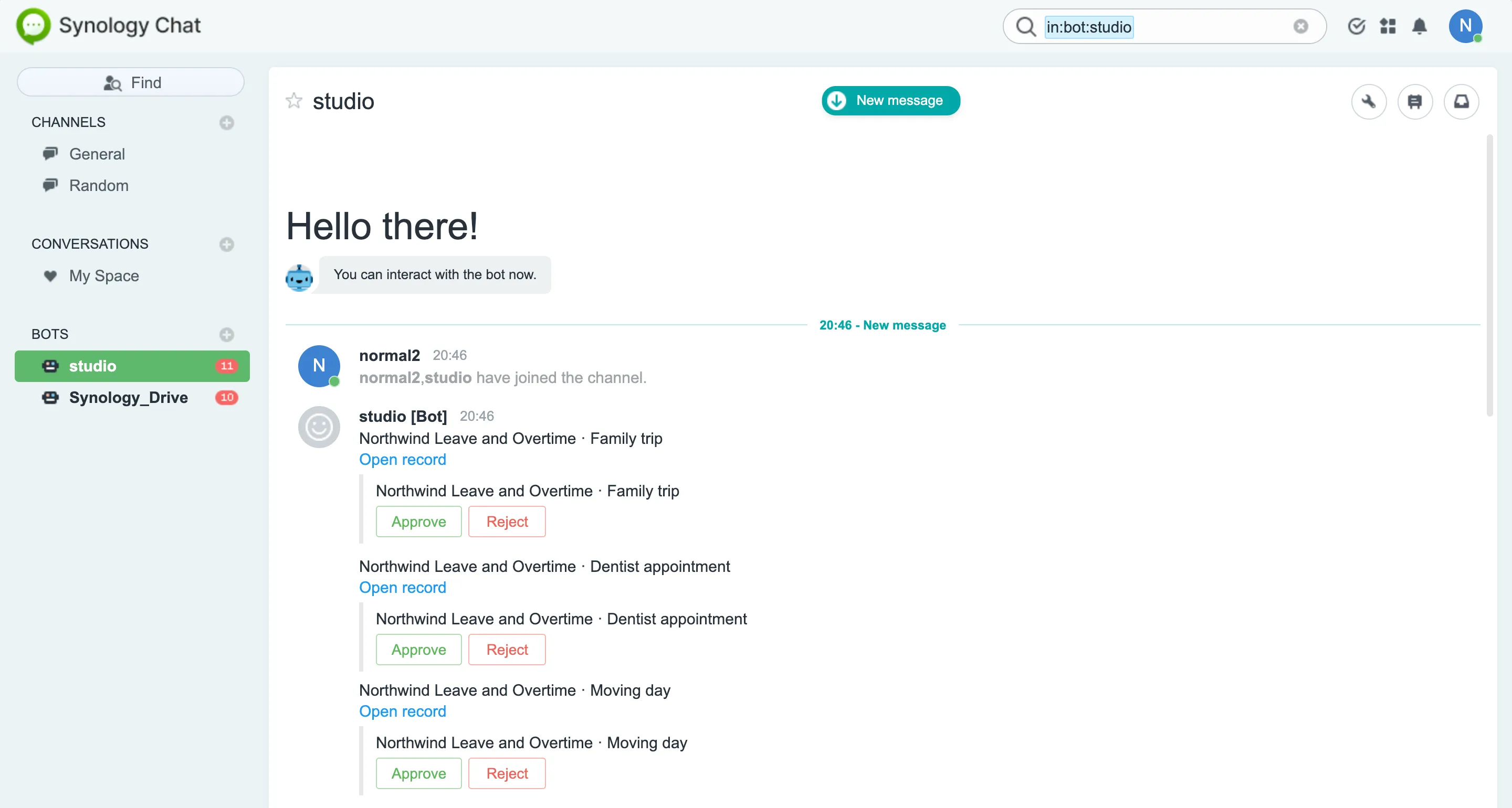
Synology Chat
- Approval cards, approve or reject in one tap
- Type todo to the bot for your list
- Add a record with /studio
- Notifications in a channel
Needs: Synology Chat
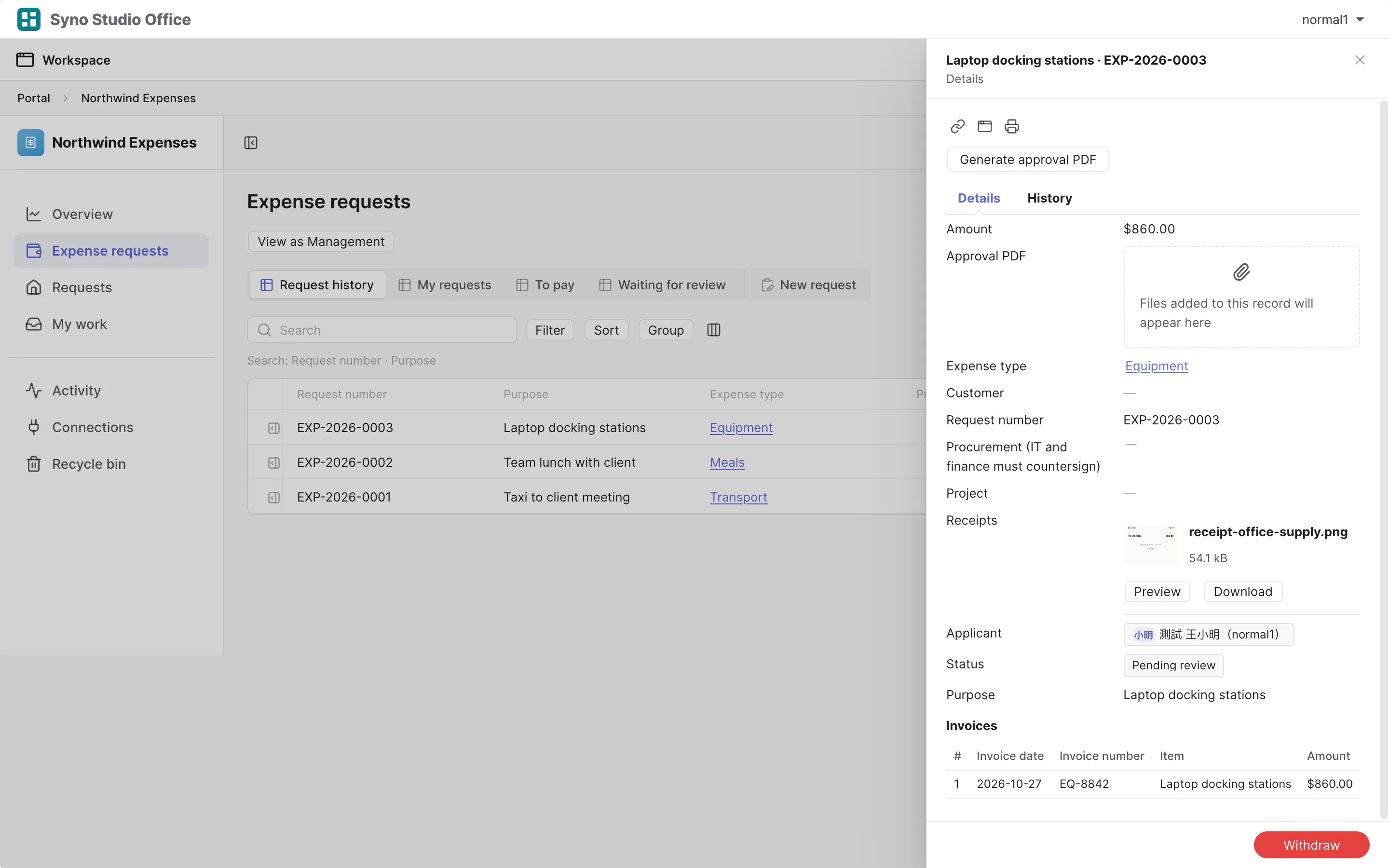
Synology Drive
- Attachments in a Team Folder with a folder for each app and case
- Files up to 2 GiB each
- Collect files with an upload link
Needs: Synology Drive Server
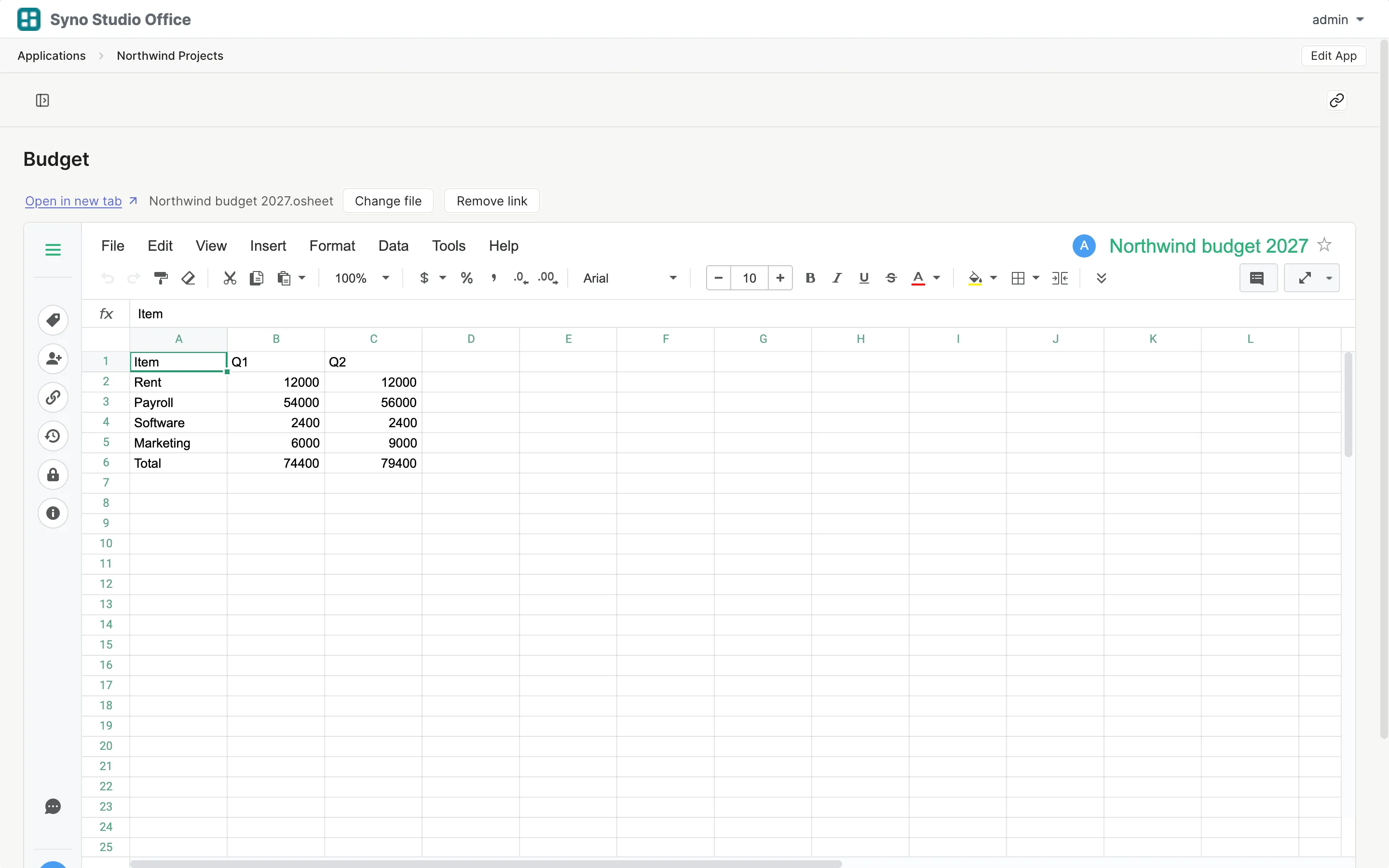
Synology Office
- Link or create documents and spreadsheets from an app
- Turn a spreadsheet into a table
- Export a spreadsheet copy
Needs: Synology Office
Synology MailPlus
- Incoming email creates a ticket
- An email reply when a ticket closes
Needs: Synology MailPlus Server
Learn more
Mail can go to outside addresses, one recipient per message and up to 100 messages per app per hour
The mail server has to allow outbound mail
Mail is fetched on a schedule, not instantly
NAS accounts and groups
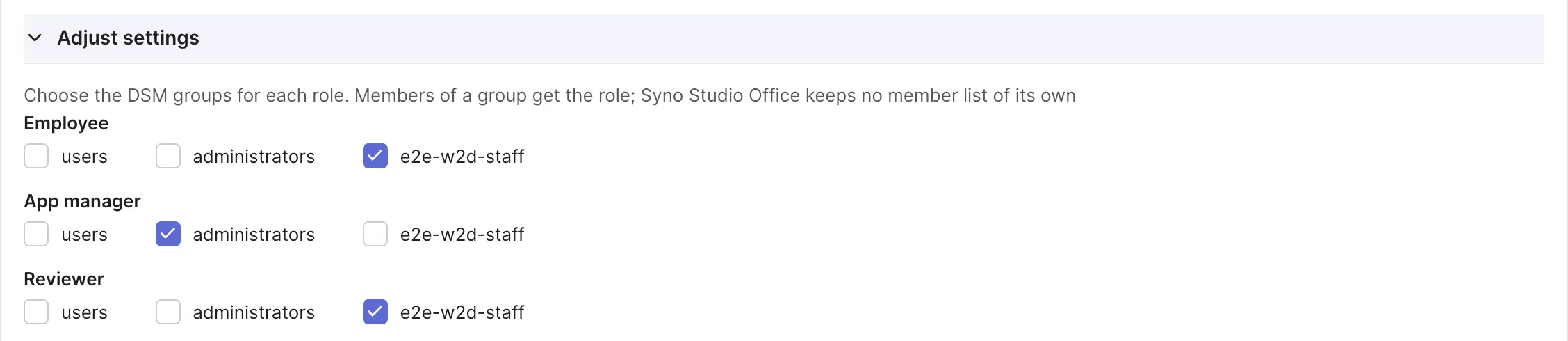
- Sign in with the NAS account
- Roles map to DSM groups
Nothing extra to install
Questions
Do I have to install these packages
No, they are all optional
What does an administrator set up
Connect the packages in the Syno Studio Office connector settings, Chat needs a bot first
Can outside email addresses get notifications
Yes, once MailPlus is set up and the mail server allows outbound mail, each message goes to one recipient, up to 100 messages per app per hour
Who can press the Chat card buttons
The approver for that step
How big can files be
Up to 2 GiB each when stored in Drive
Where do attachments go without Drive
In the package’s own storage, up to 8 MiB each