
Four steps to your first app
Install it on your company Synology NAS and colleagues open it in a browser
What you need
Synology NAS
- DSM 7.2 or later
- An x86_64 or aarch64 processor
Colleagues
- Their existing NAS accounts
- A browser on a computer or phone
AI (optional)
- The Node.js v22 package
- Your own AI service or a model on your network
Learn more
You can start from templates without AI
Four steps
Once it is installed
Install wizard
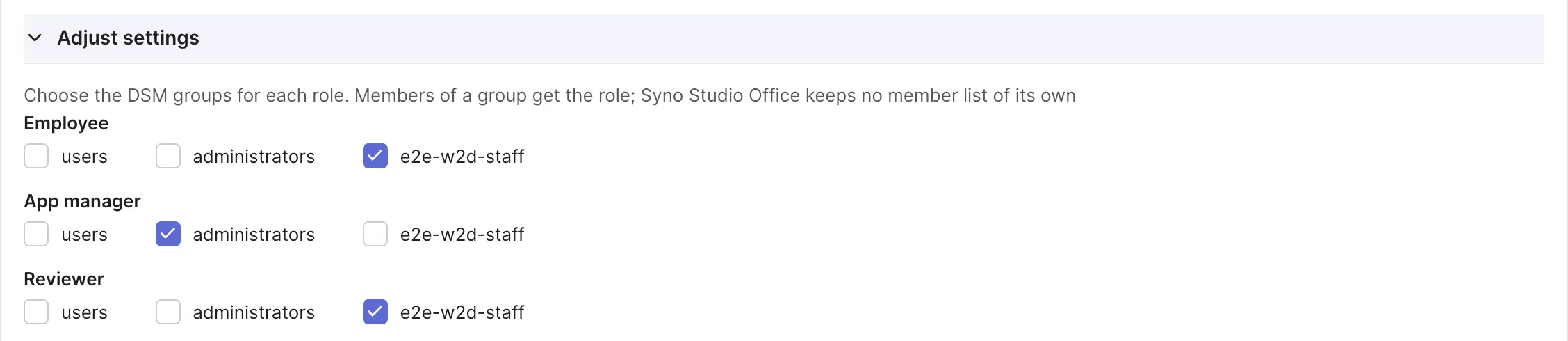
Roles matched to DSM groups
App address
An easy address for every app
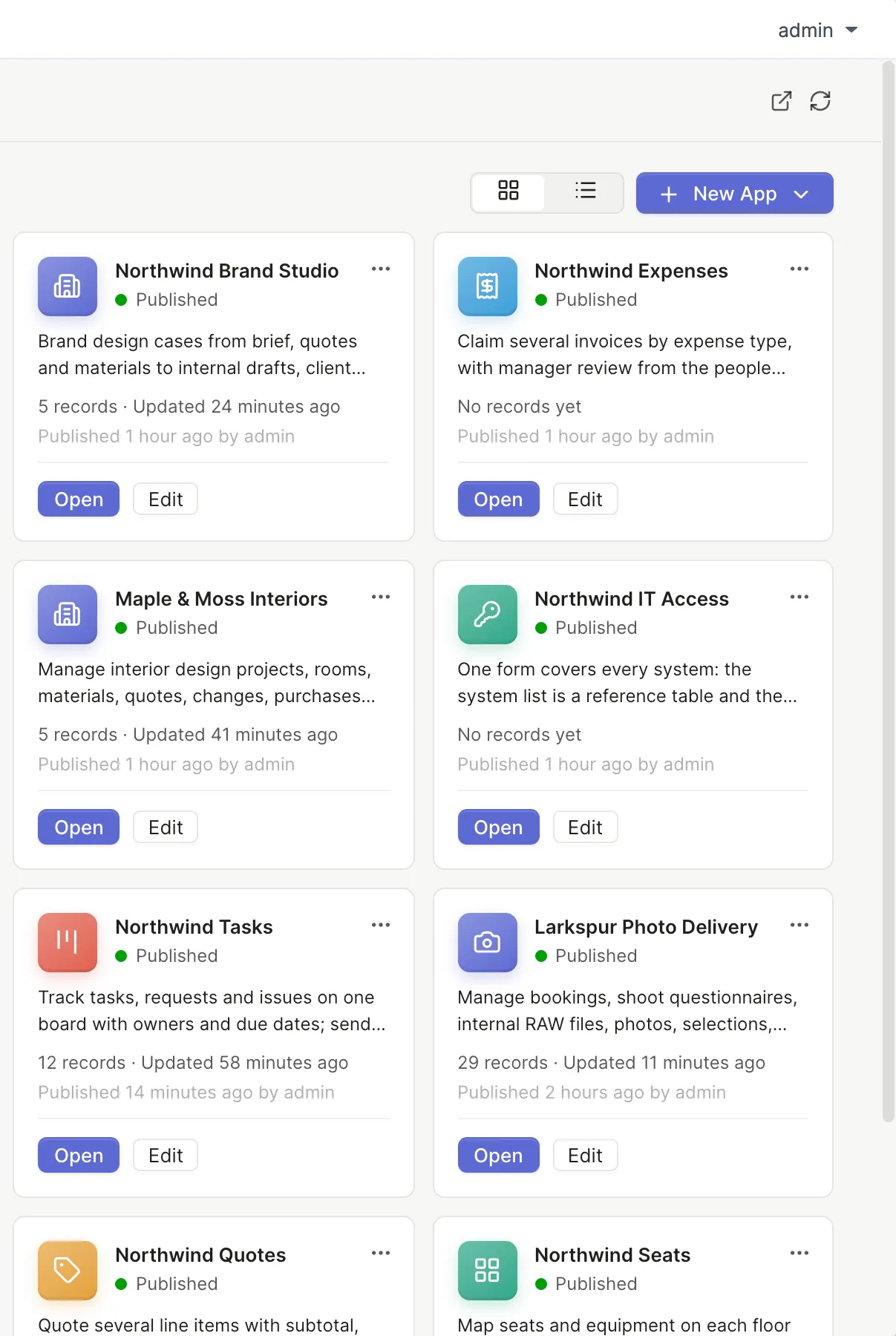
Syno Studio Office home
Every app in one place
Connect these packages for more
Synology Chat
- Approve in Chat
Synology Drive
- Attachments in a Team Folder
Synology Office
- Documents and spreadsheets
Synology MailPlus
- Tickets from email
Coming soon
Download and install details will be posted on this site once it is available
Questions
Who can install it
A DSM administrator
Do colleagues install anything
No, they open the app address in a browser
Can I try it first
Not yet, availability will be announced on this site
Does it affect other services on the NAS
Syno Studio Office is a separate DSM package that you can stop or remove in Package Center like any other
Which languages are supported
The interface comes in 9 languages